In this blog, we will talk about how to set up BricsCAD for AEC project scalability. Modern construction and manufacturing projects are no longer linear. Subcontractors juggle multiple projects simultaneously, while within a single project, design, fabrication, and site coordination often move in parallel. This reality demands one thing above all else: shared, reliable project data that stays in sync across teams.
In this newsletter, we introduce the new project database architecture (BSYSLIB)—designed specifically to support distributed, multi-user workflows without friction.
Why Project-Level Data Matters More Than Ever
Subcontracted trades rely heavily on upstream design inputs. A simple example: when slab levels change, everything downstream changes with it—temporary works, attachments, fabrication details, and site assembly.
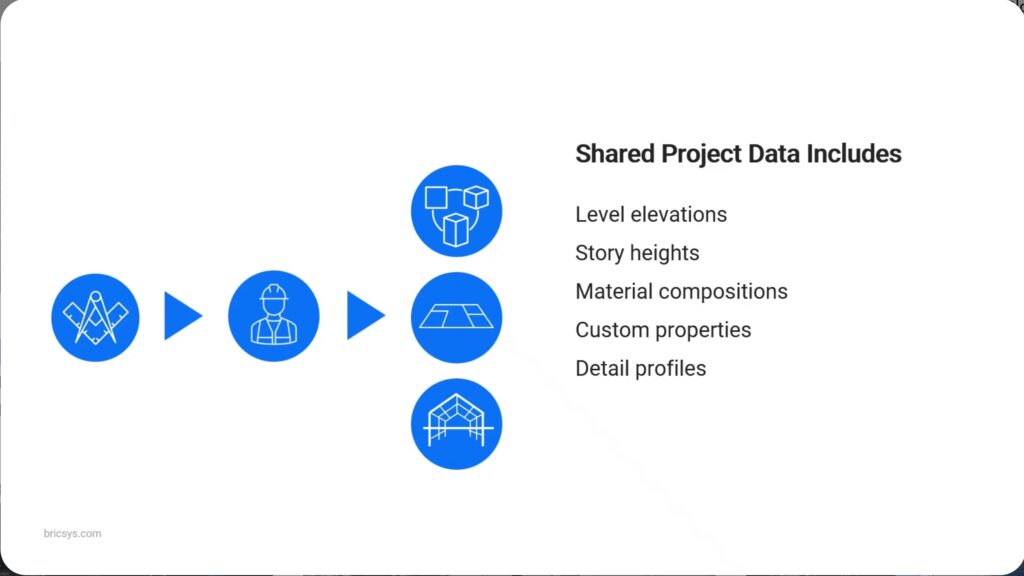
Key project data such as:
- Structural levels
- Wall and slab compositions
- Material definitions
- IFC classifications and custom properties
…must be available consistently across all drawings and all users.
BricsCAD V26.1 addresses this head-on.
What’s New in BricsCAD v26.1 Project Management
With the enhanced BSYSLIB project database, BricsCAD introduces a collaboration model that actually matches how teams work:
- Each user works on a local copy of the project
- Project data is stored in a shared database
- On save, updates are instantly available to the entire team
If two users edit the same data simultaneously, BricsCAD:
- Keeps the most recent change
- Notifies the affected user, ensuring transparency
The result? Fewer conflicts, fewer surprises, and far fewer “whose file is this?” moments.
Setting Up a BricsCAD Project (In Minutes, Not Days)
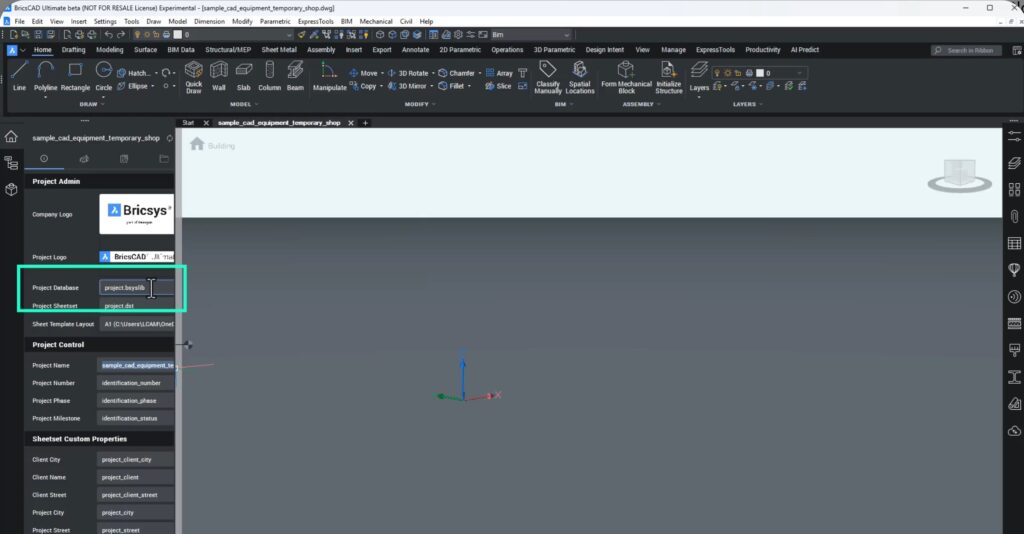
Creating a collaborative project in BricsCAD v26.1 is straightforward:
- Start from a project template
- Save the project to a shared team location
- Open the BIM Project Browser to define:
- Naming conventions
- Sheet numbering
- Named views
- Project routines
From here, the BSYSLIB database becomes the backbone of collaboration.
Defining Spatial Structure and Building Intelligence
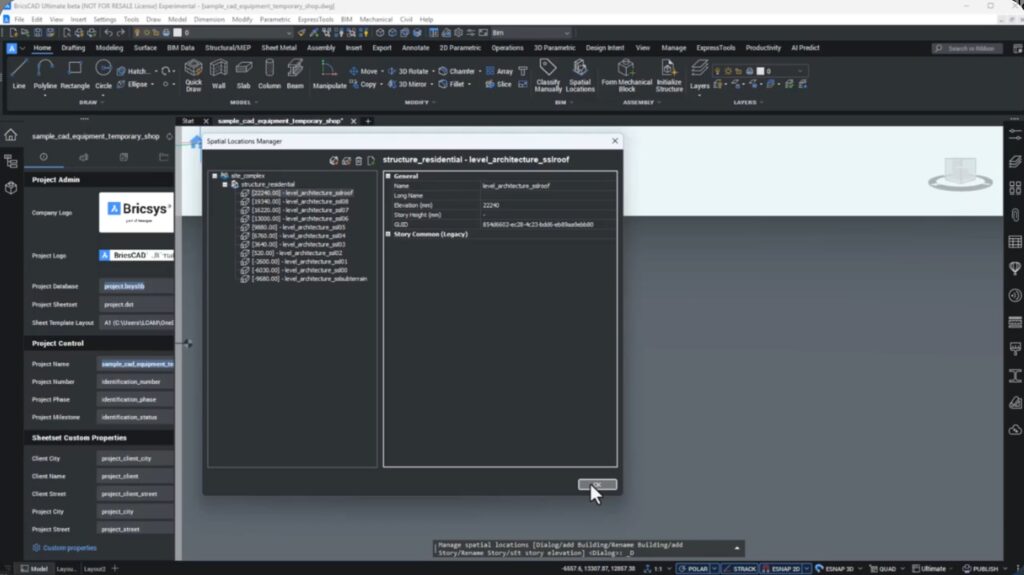
Using the Spatial Locations Manager, teams can define:
- Site
- Buildings
- Levels (stories)
These map directly to IFC Site, Building, and Building Storey, ensuring clean BIM alignment.
Story heights are calculated automatically once elevations are entered—less manual work, fewer errors.
Compositions and Custom Properties: One Source of Truth
BricsCAD V26.1 makes it easy to standardize building elements:
- Define compositions for beams, columns, slabs, and walls
- Assign plies, thicknesses, and materials
- Store everything in the project library, not scattered drawings
Custom project properties—such as project phase, staging, or procurement parameters—can also be added and shared across the team.
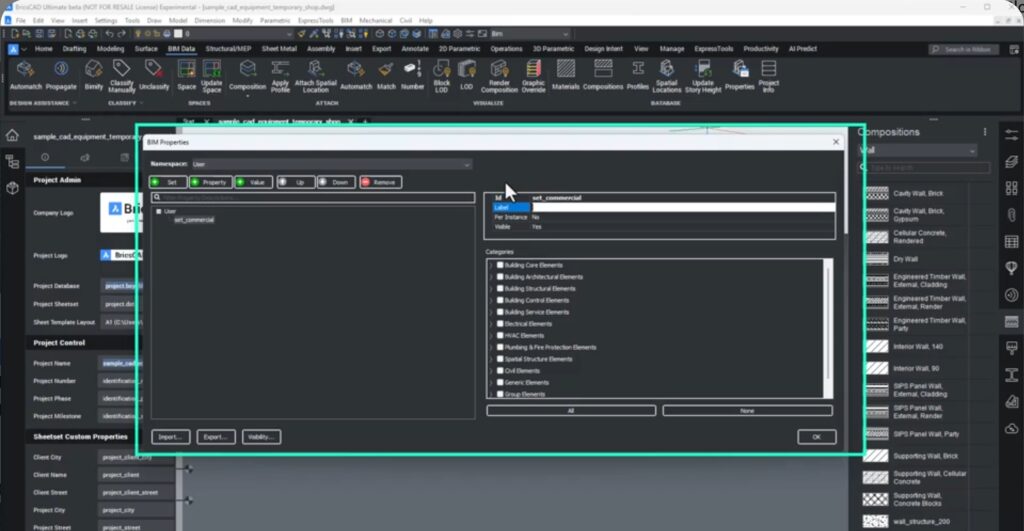
From Tender to Site: The Project Database in Action
The real power of the new project database becomes clear across the project lifecycle:
Tender Phase
- Import IFC models from the design team
- Filter and extract only the data you need
- Build accurate technical proposals faster, with reduced risk
Design & Fabrication
- One engineer defines equipment levels
- Another specifies wall types and constraints
- Project managers add procurement data
- All updates sync automatically via the database
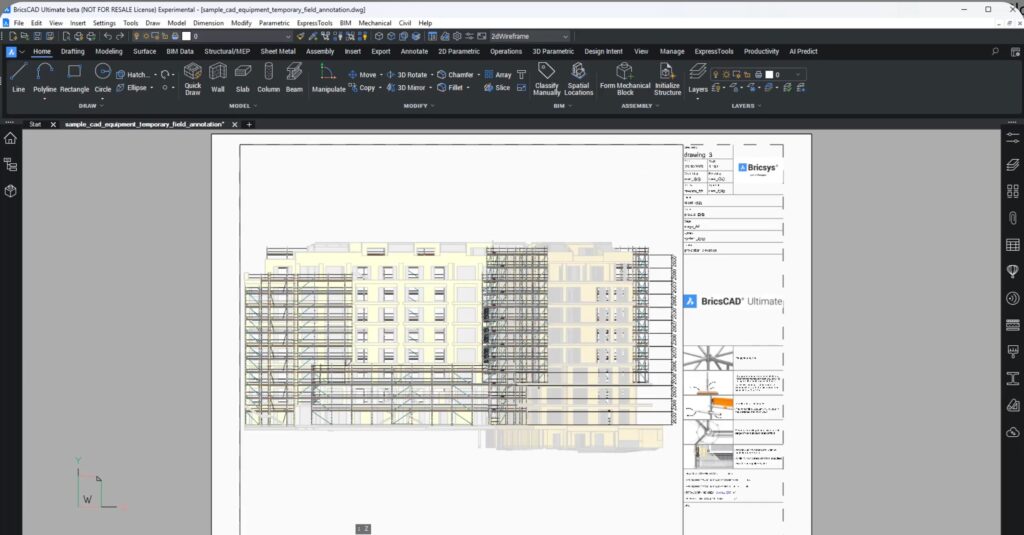
Site & As-Built Updates
- On-site conditions differ (as they always do)
- Wall types or levels are revised
- Saving once updates everyone’s drawings instantly
This ensures consistency, accuracy, and confidence—even when reality refuses to match the original design.
The Bottom Line
BricsCAD V26.1 empowers subcontractors to:
- Work confidently in distributed teams
- Maintain consistent project data
- Reduce errors and rework
- Deliver faster, higher-quality outcomes
From tender through fabrication and all the way to on-site assembly, the new BSYSLIB project database ensures everyone is always working from the same, up-to-date information.
This isn’t just a “new feature.”
It’s BricsCAD quietly fixing one of the most painful realities of subcontractor workflows—data fragmentation across people, drawings, and stages. And it does so without turning collaboration into a science project.
Download BricsCAD V26 to know more.