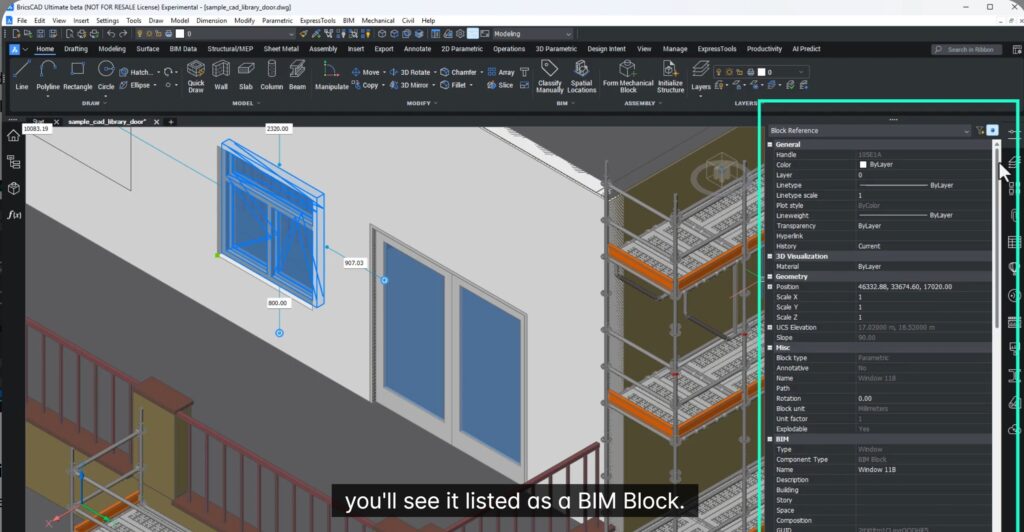
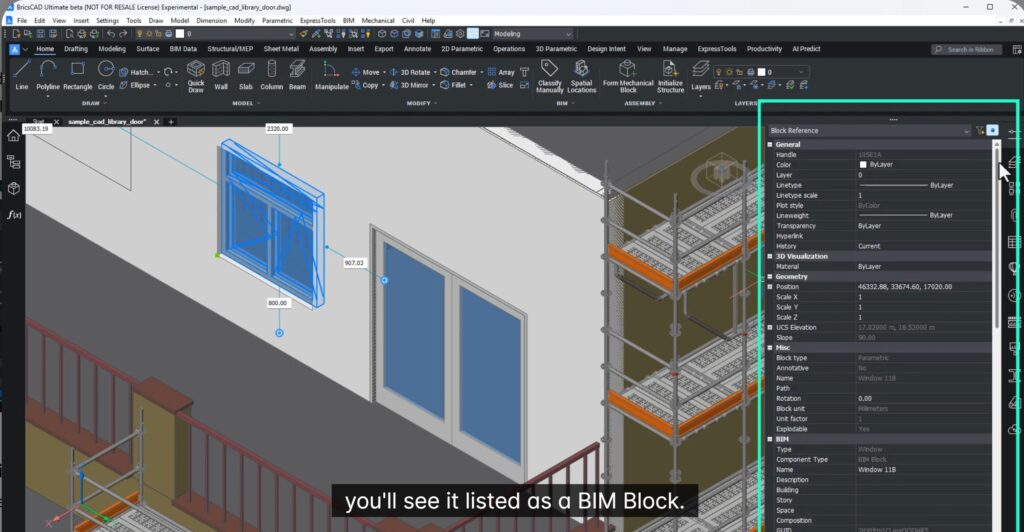
In this blog we will learn about how to build better content libraries with enhanced BIM blocks and also share better data and deliver faster.
Introducing BIM Blocks & Mechanical Blocks in BricsCAD V26.1
In modern construction and manufacturing, the real bottleneck is not modeling — it’s data sharing.
RFIs, stalled approvals, and shop-floor errors almost always come from one thing: geometry and information falling out of sync as files move between teams.
With BIM Blocks and Mechanical Blocks in BricsCAD V26.1, that problem is finally solved.
One Component System for the Entire Project Chain
BricsCAD now uses BIM Blocks and Mechanical Blocks as the default component system across:
- Mechanical design
- Fabrication
- BIM coordination
- Construction documentation
This replaces the old Mechanical Components, which are now deprecated.
The advantage? Mechanical and construction teams now use the same library technology.
- No more duplicate content.
- No more conversion workflows.
- No more mismatched data.
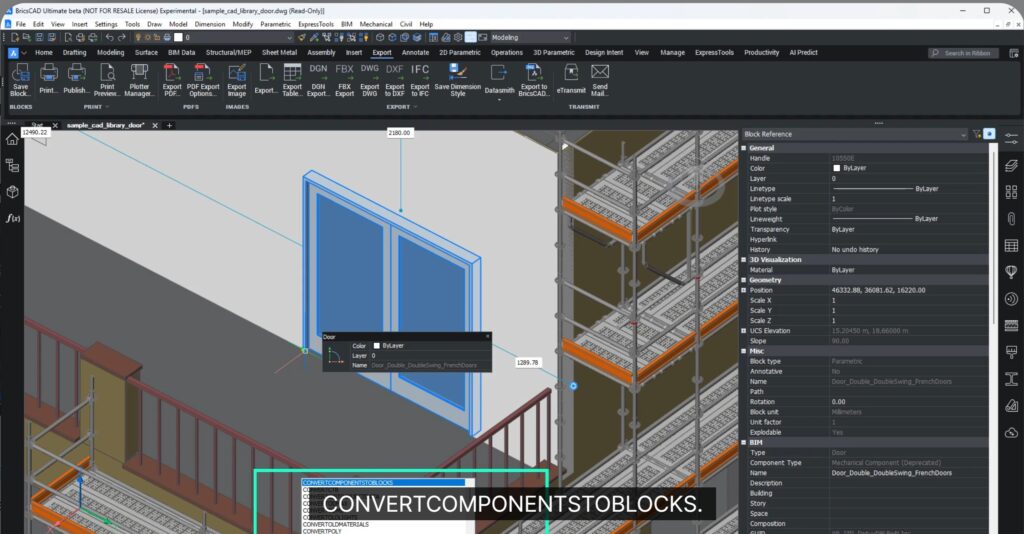
Convert Your Existing Libraries in One Step
Opening older files is not a problem any more. Old mechanical components appear clearly marked as Deprecated.
One simple command: CONVERTCOMPONENTSTOBLOCKS instantly future-migrates all and any old data to the new format.
Geometry, parameters, and relationships are preserved — now in the modern BIM Block format.
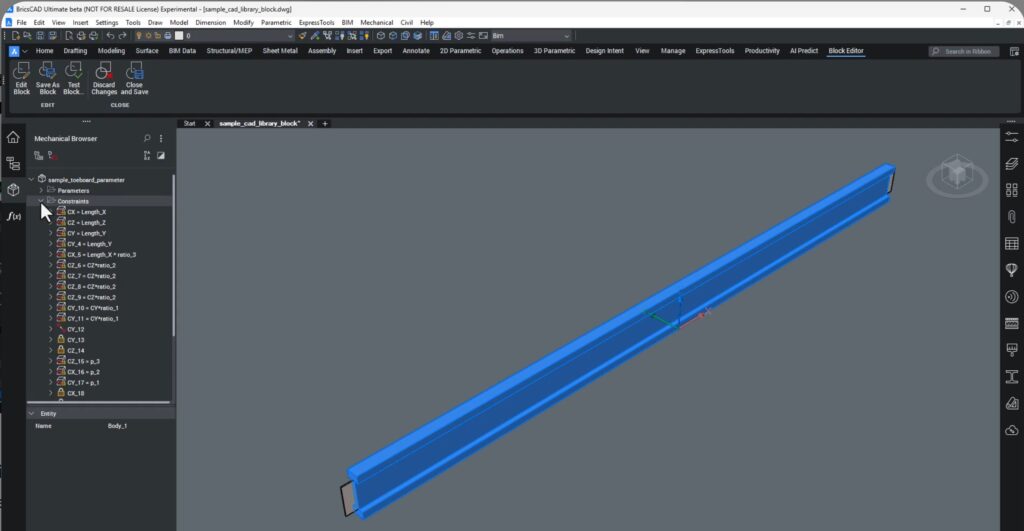
Create Smart Parametric BIM Blocks — Fast
Inside the Block Editor, BricsCAD gives you a full parametric modeling environment:
- Define geometric bodies
- Add constraints
- Apply parameters
- Nest other blocks inside parent blocks
You can even start from a 2D detail and build it into a fully intelligent 3D BIM block in minutes. This is not dumb geometry. This is reusable engineering intelligence.
35% Fewer Clicks = Faster Library Creation
Thanks to the new unified block system, BricsCAD has reduced component creation effort by 35%. And, how do we know that it is 35% exactly? Well, I am not sure. This is a claim by Bricsys.
But more importantly, you only create content once, and use it everywhere:
- Mechanical assemblies
- BIM models
- Fabrication drawings
- Coordination exports
This is what real productivity looks like.
Designed for Real-World Interoperability
BricsCAD doesn’t lock your data in.
Your BIM Blocks and Mechanical Blocks can be shared as:
- DWG (native, fast, universal)
- STEP (via Communicator)
- RVT (for Revit coordination)
- IFC (certified, with improved visibility control in V26.1)
With the new IFC visibility filtering, only the relevant block representations are exported — ensuring clean models for coordination and clash detection.
One Library, Many Platforms, Zero Data Loss
Whether your project requires:
- Revit
- Inventor
- IFC-based BIM
- Or classic DWG workflows
Your BricsCAD BIM Blocks travel with their geometry + intelligence intact.
That’s the difference between sending a file and sending usable engineering data.
Why This Matters
Most subcontractors today run into this conundrum:
Design in one system → Export → Rebuild → Lose parameters → Fix errors → Delay production
BricsCAD V26.1 makes this easy!
With BIM Blocks and Mechanical Blocks, you build once, and use everywhere — with full parametrics, constraints, and clean interoperability.
This is one of the most underrated breakthroughs in modern CAD. Not flashy — but massively profitable if you’re responsible for real-world delivery.
Explore More in BricsCAD V26
Scan the QR code on the V26 webpage to experience the latest and greatest tools BricsCAD has to offer.