
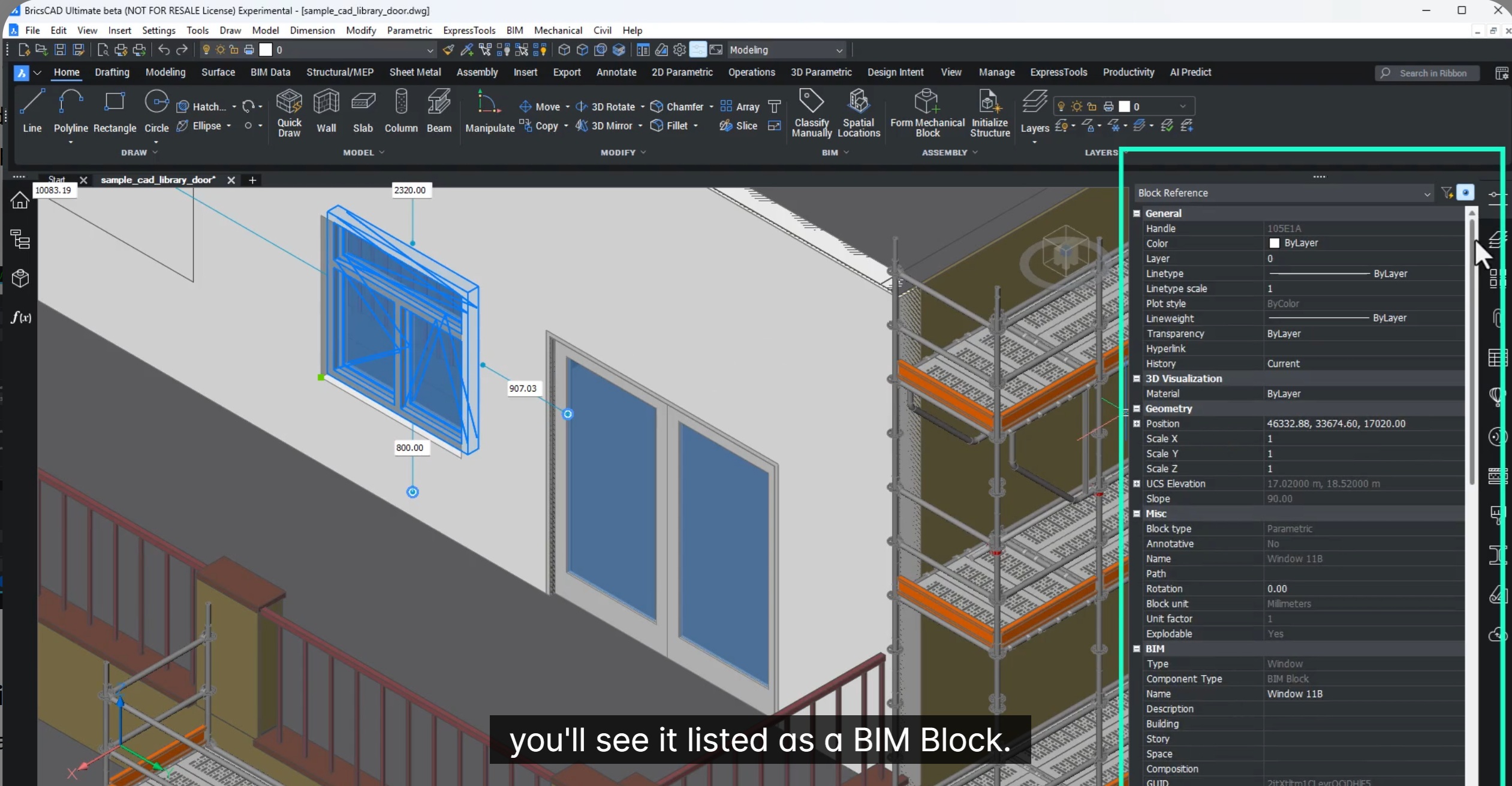
In this blog we will learn about how to build better content libraries with enhanced BIM blocks and also share better data …
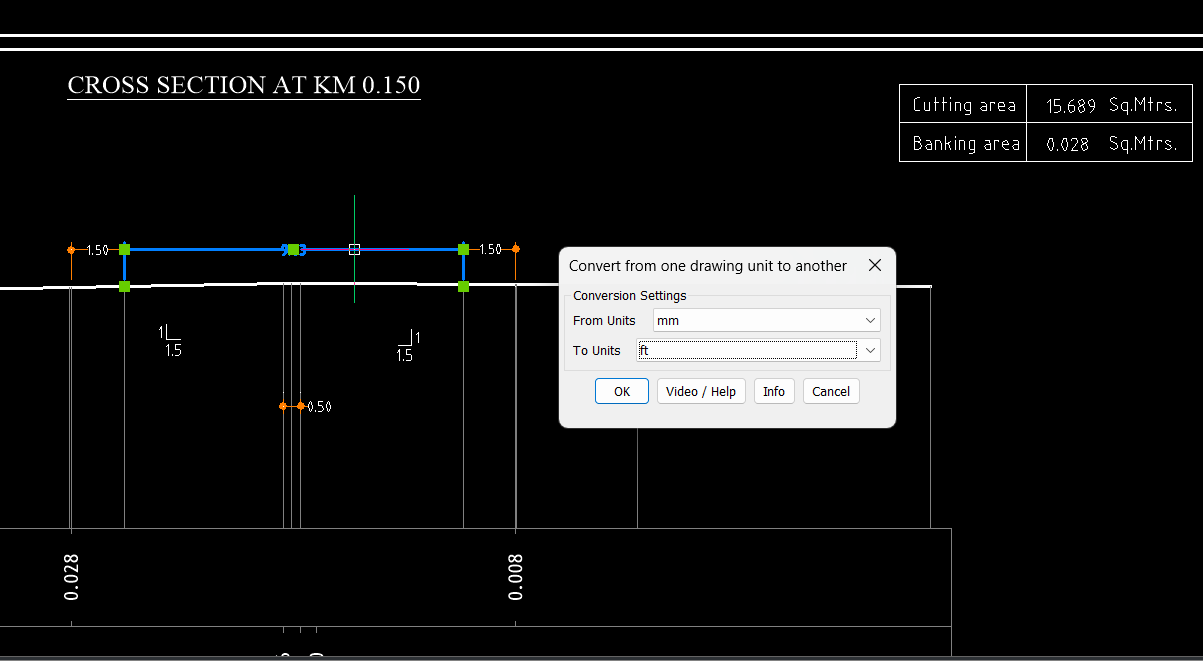
In this blog, let’s talk about the GeoTools-CADPower V26.14 update. Since the release of the V26 version of GeoTools and CADPower in …

Octave BricsCAD We are excited to share that Bricsys is entering a new chapter as we become part of Octave. If approved …

In this blog, we will see how we can generate civil points fast in BricsCAD V26. Creating civil points is a critical …
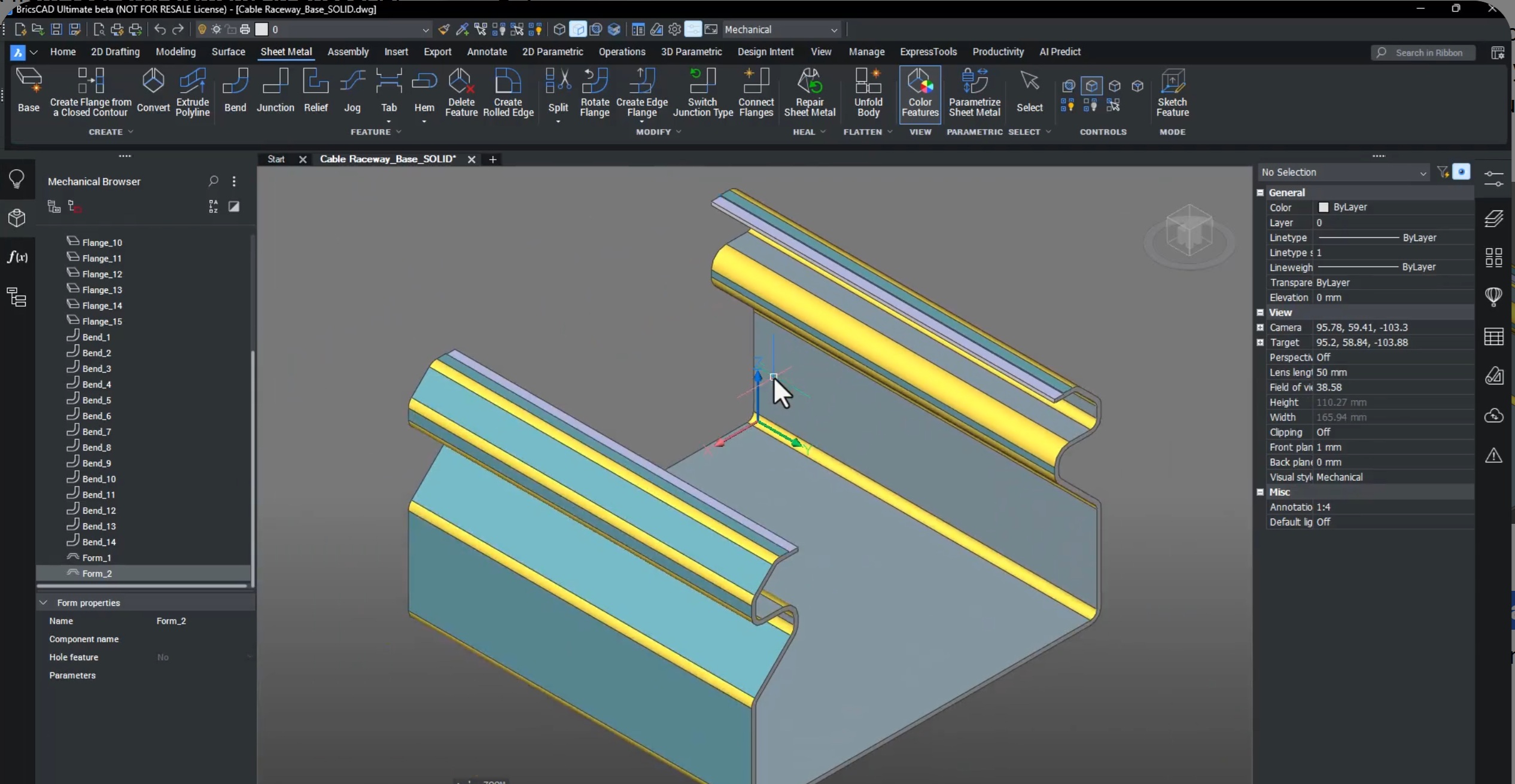
In this blog, we will see what’s new in BricsCAD Mechanical V26. BricsCAD Mechanical V26 delivers a major productivity boost for mechanical …
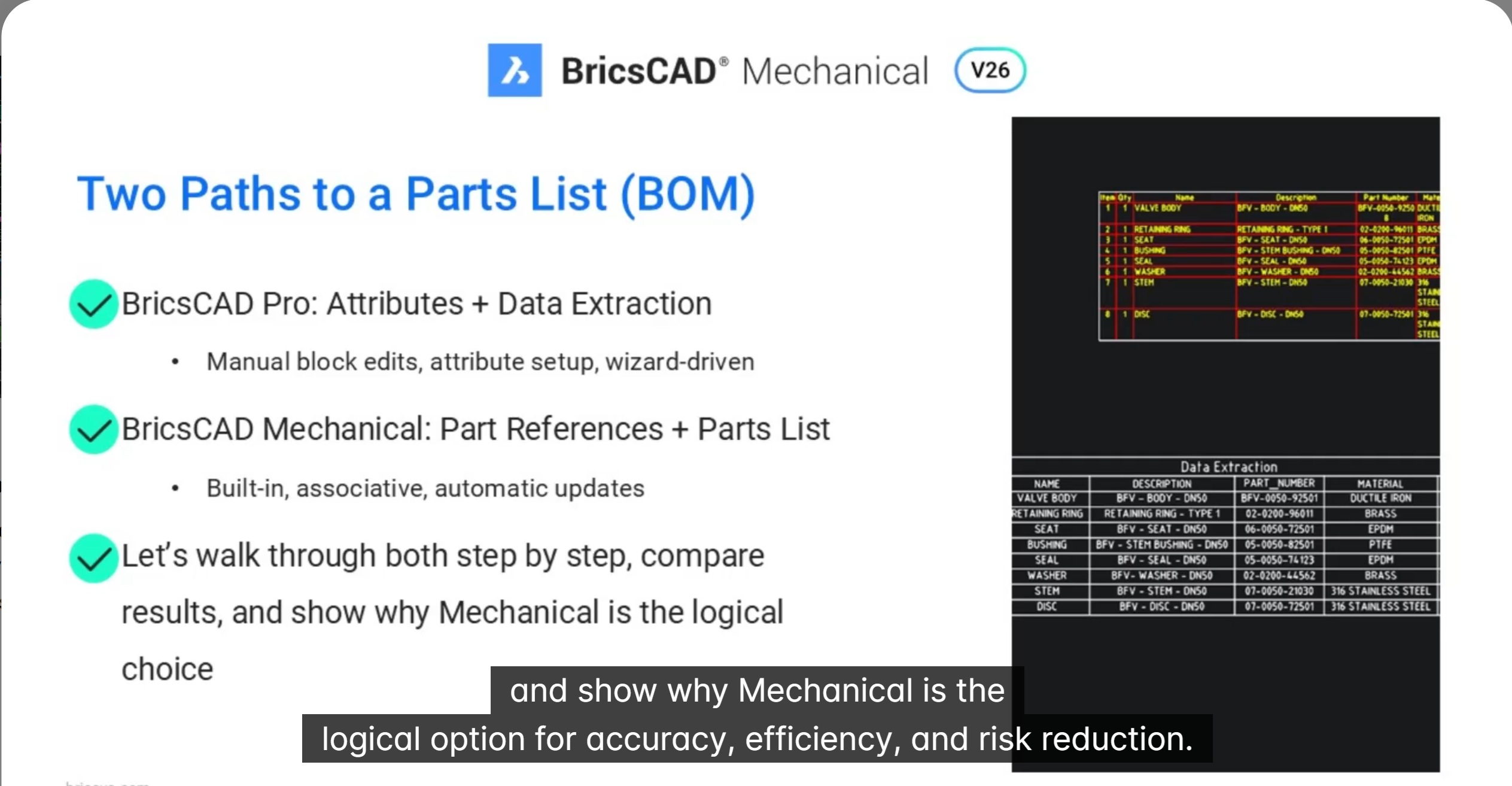
In this blog we will see how associative part Lists in BricsCAD Mechanical outperform BricsCAD Pro’s data extraction in speed and accuracy. Creating …
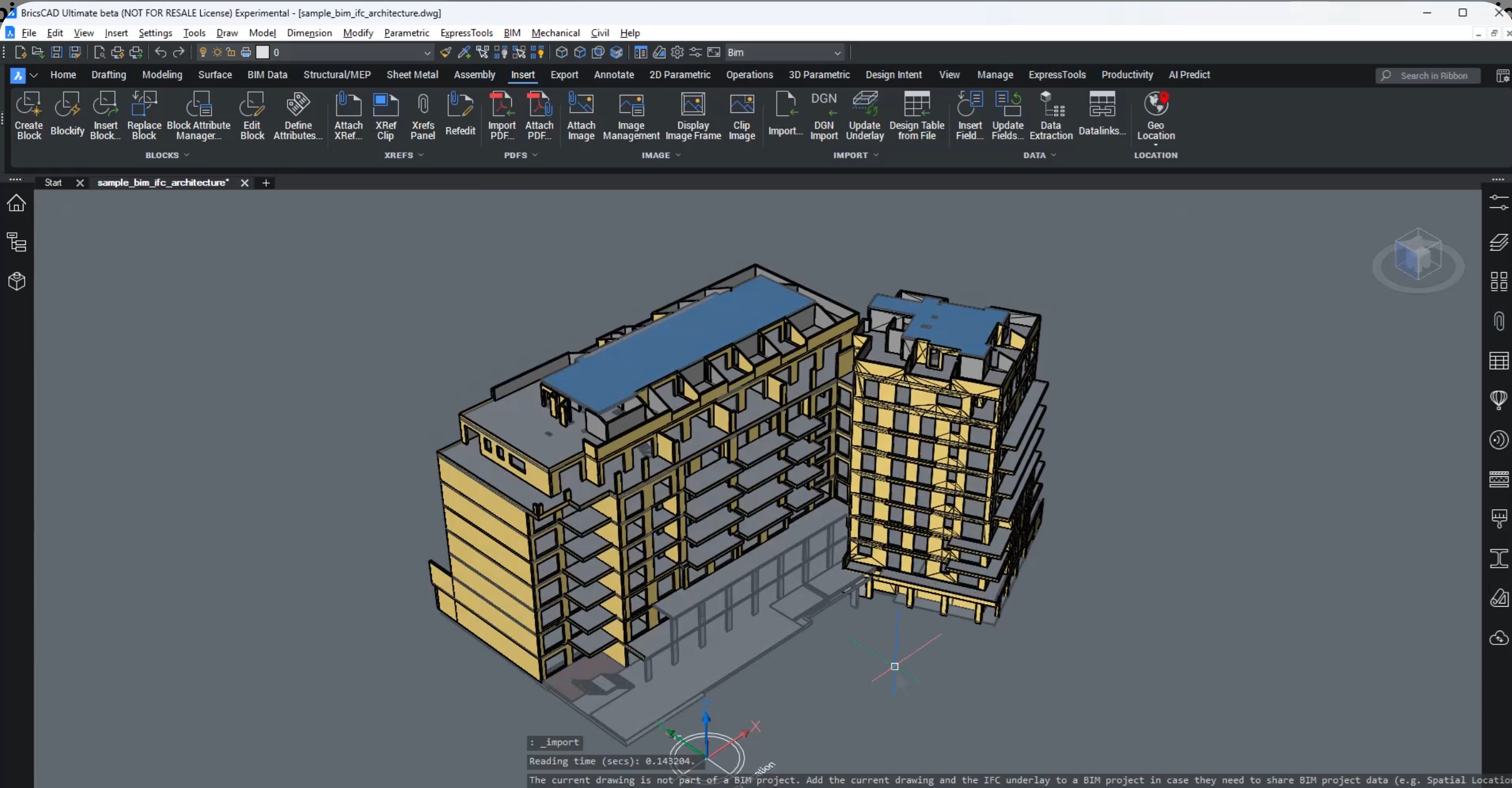
In this blog, we will learn about new data coordination in BricsCAD with IFC imports as XRefs. Open data is only valuable …
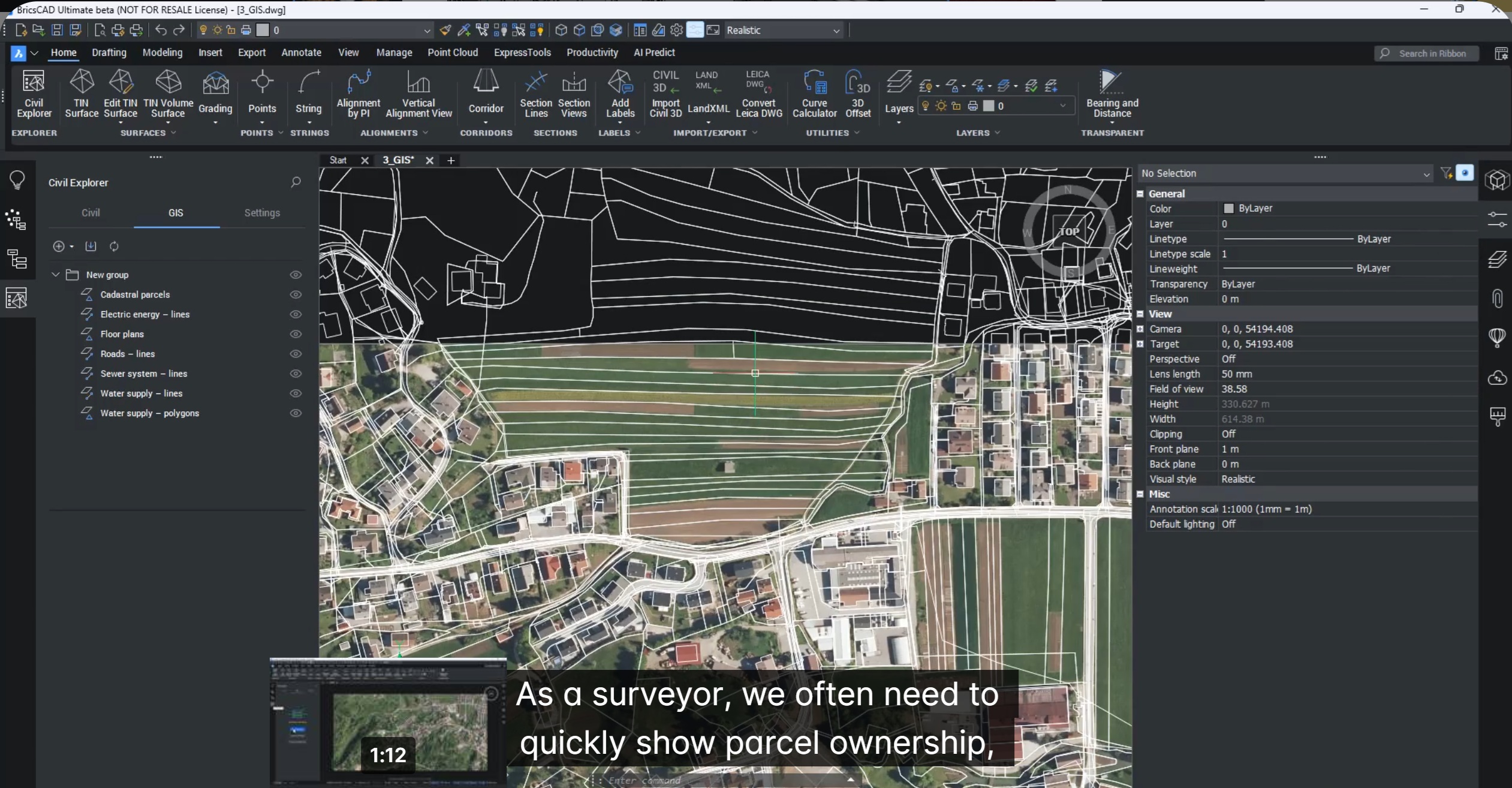
In this blog we will talk about how to create labels for GIS data in BricsCAD V26. This is part of the …
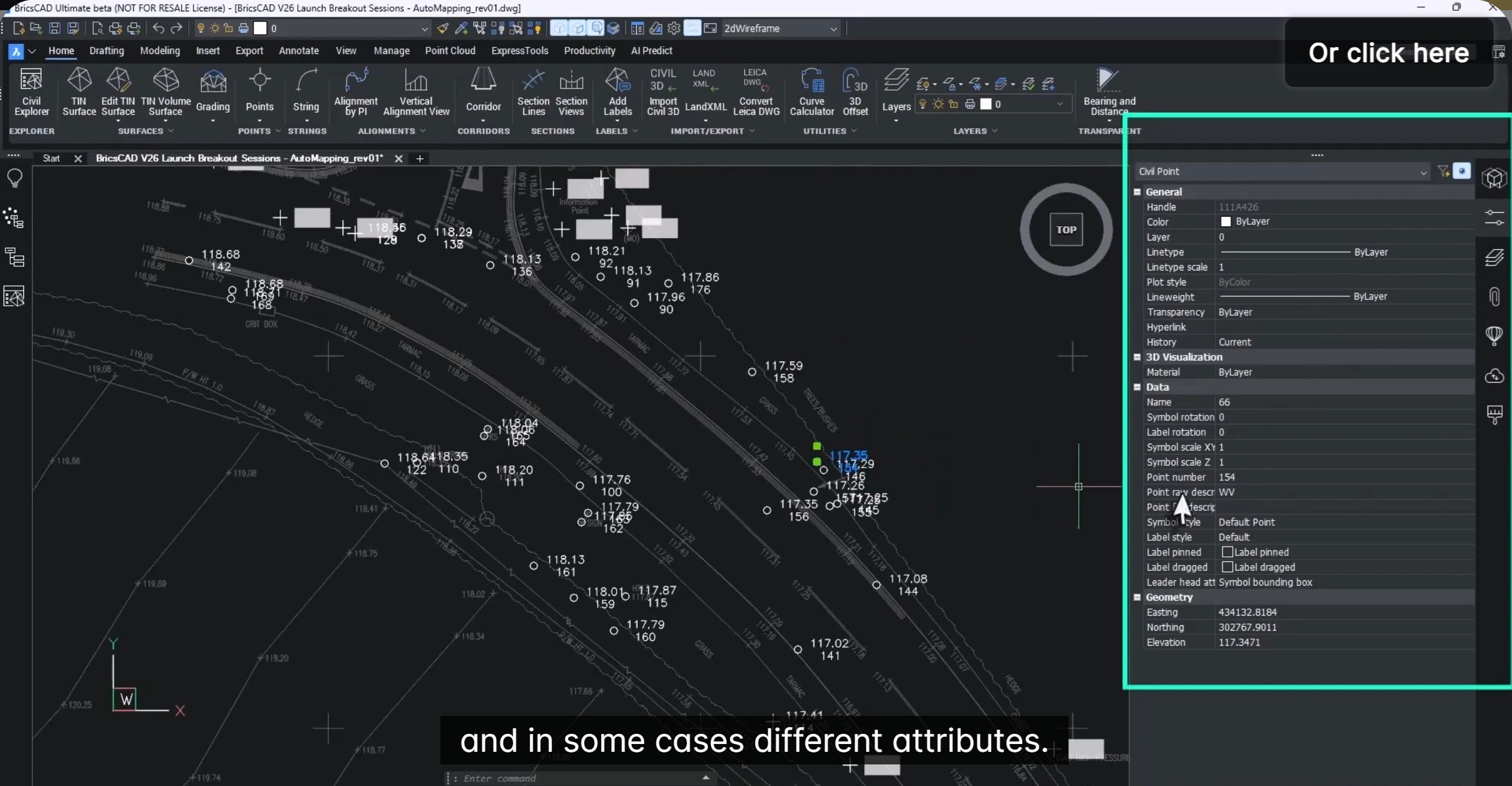
In this blog, we will see how to set up Auto mapping to manage civil points. Managing large volumes of survey point …
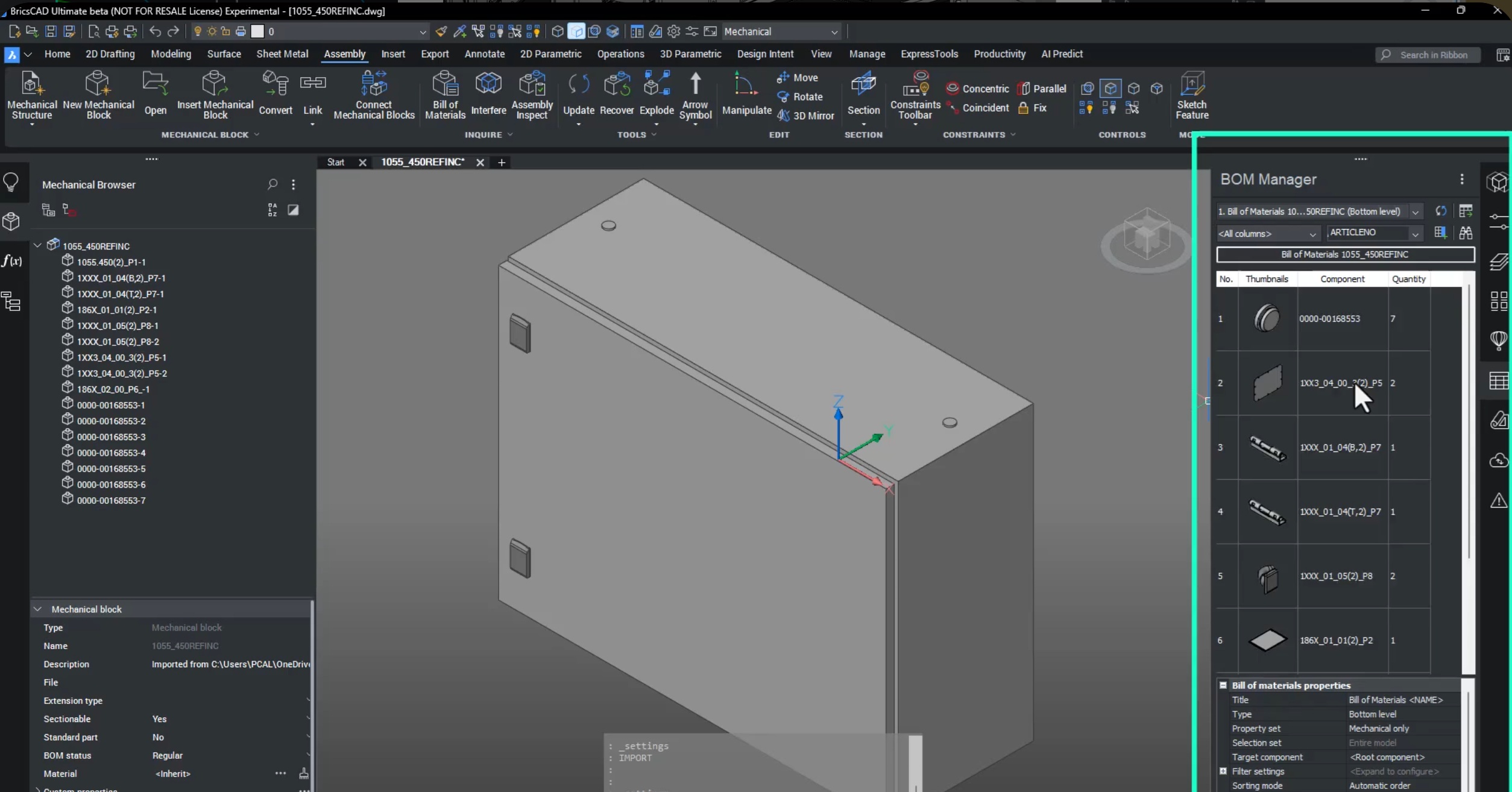
Seamless Assembly, Part Creation & Documentation with BricsCAD Mechanical V26. Modern manufacturing is no longer single-CAD. Parts come from suppliers, OEMs, and …