-
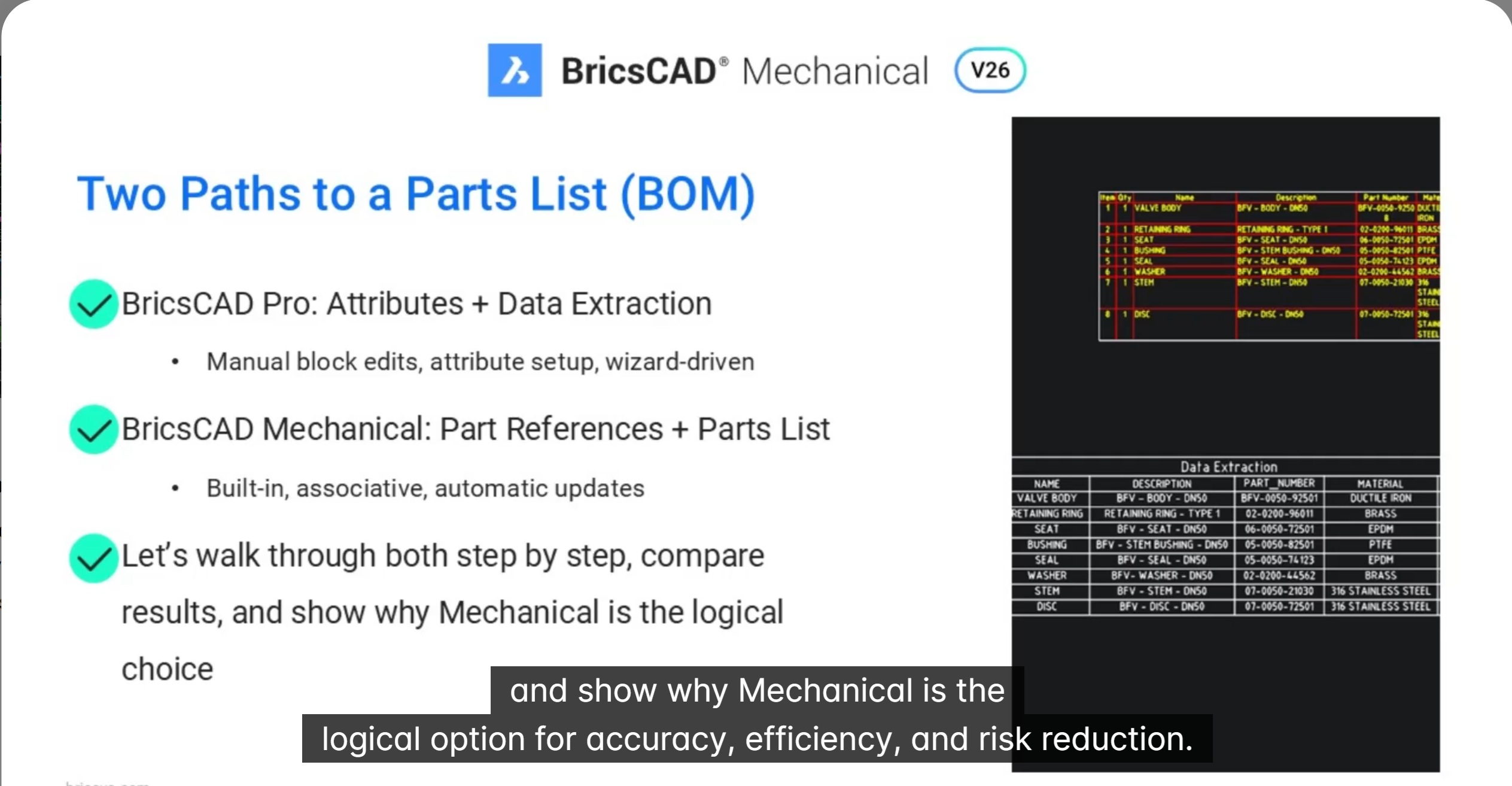
Parts List in BricsCAD Mechanical vs data extraction in BricsCAD Pro
In this blog we will see how associative part Lists in BricsCAD Mechanical outperform BricsCAD Pro’s data extraction in speed and accuracy. Creating accurate parts lists is critical for manufacturing workflows—but the way you build them can dramatically impact speed, accuracy, and long-term maintainability. In this session, two approaches can be compared: Using a valve assembly…
-
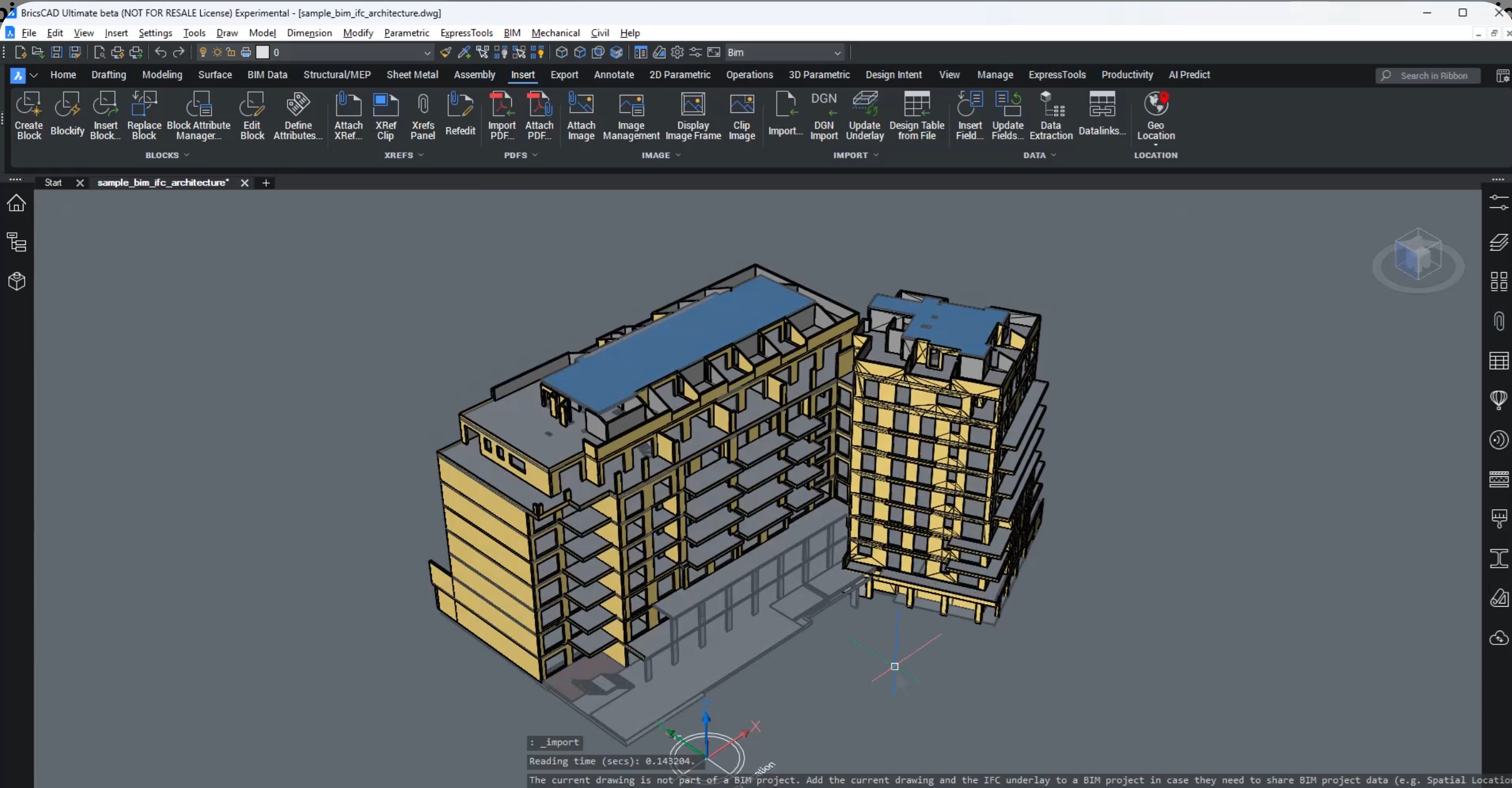
New data coordination in BricsCAD with IFC imports as XRefs
In this blog, we will learn about new data coordination in BricsCAD with IFC imports as XRefs. Open data is only valuable when it is usable, trustworthy, and easy to coordinate. In this breakout session, BricsCAD introduces a major improvement for subcontractors and trade specialists: IFC files imported as external references (Xrefs) in BricsCAD v26.1.…
-
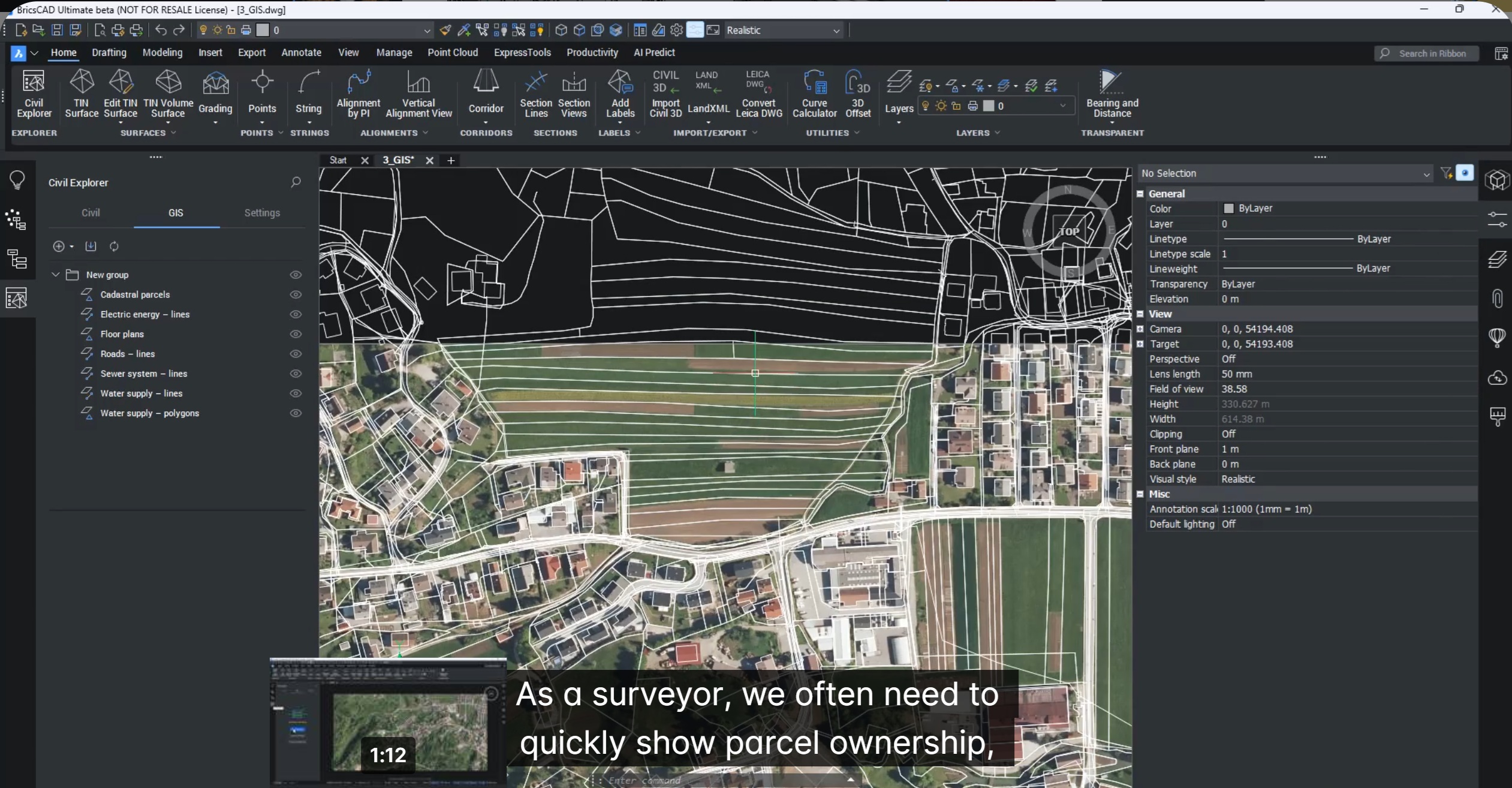
Create Labels for GIS data
In this blog we will talk about how to create labels for GIS data in BricsCAD V26. This is part of the sprint where we discover new features in BricsCAD Pro Civil which are shaping up quickly as a Civil3D replacement. If you work with GIS data, you know the frustration – beautiful geometry, but…
-
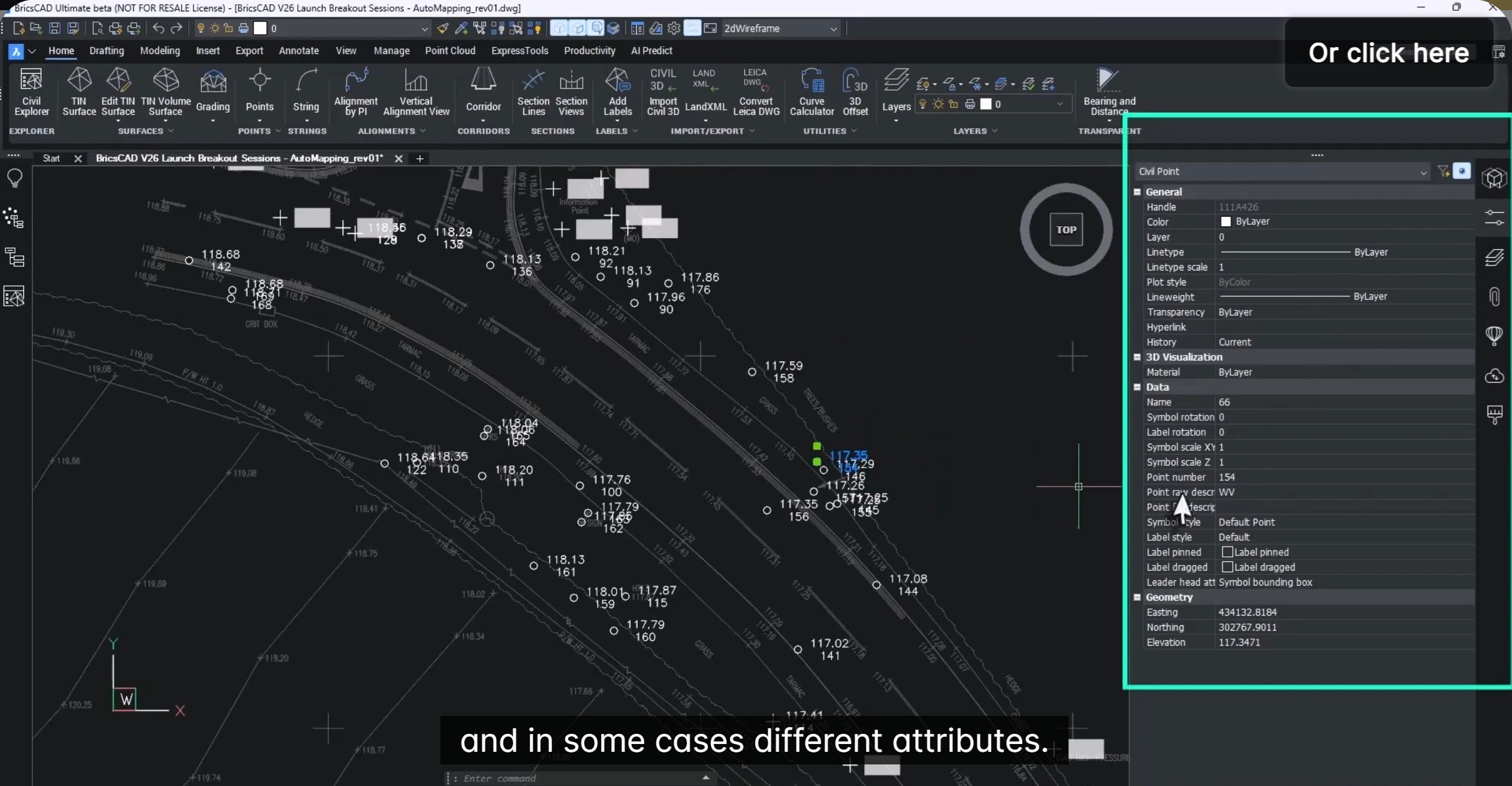
Set up Auto Mapping to manage Civil Points
In this blog, we will see how to set up Auto mapping to manage civil points. Managing large volumes of survey point data doesn’t have to be slow, repetitive, or error-prone. With BricsCAD V26, Bricsys introduces Automapping—a powerful enhancement to the Civil Toolset that automatically styles, layers, and labels survey points based on their descriptions.…
-
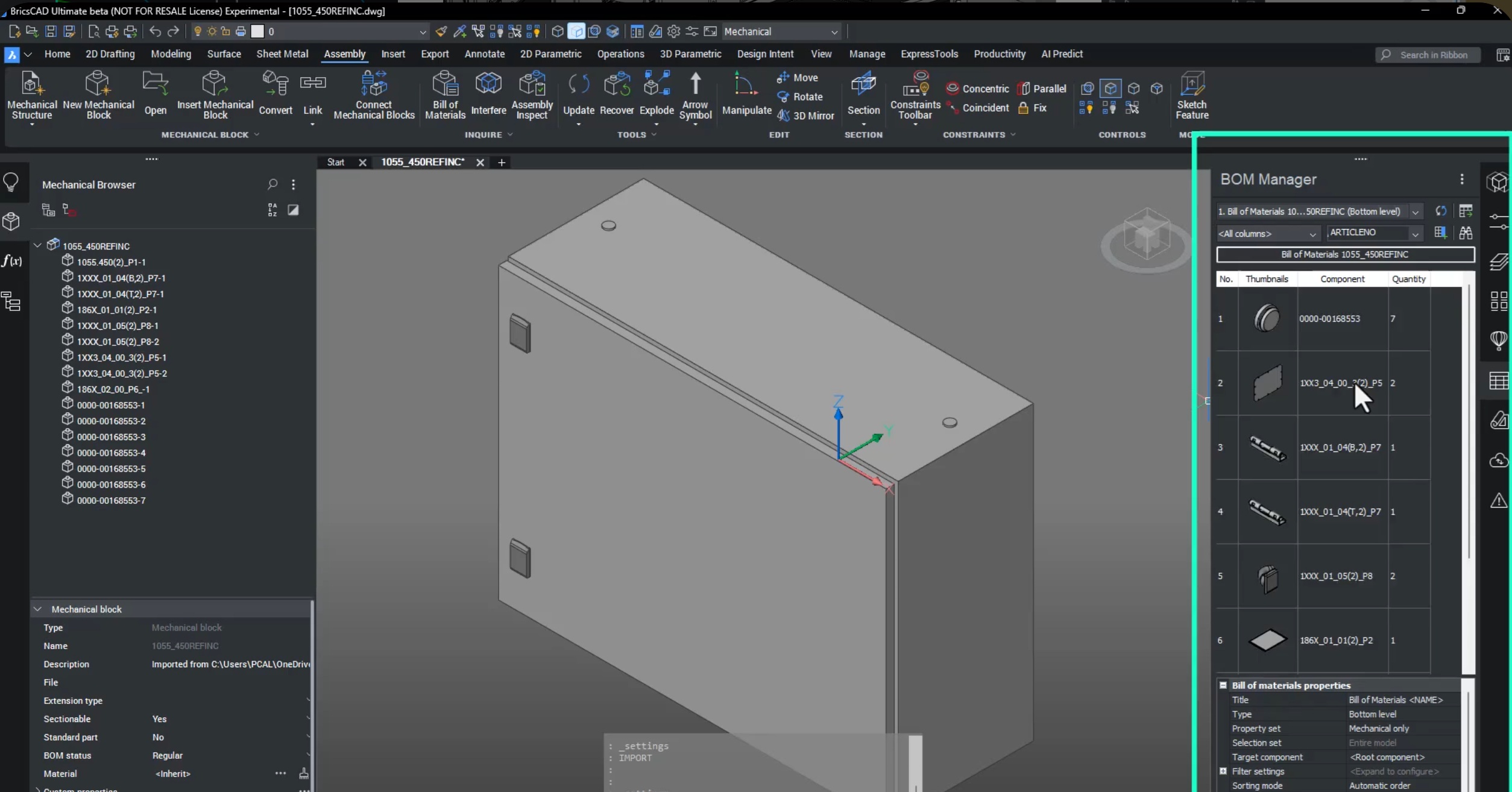
Seamless multi-CAD assembly modeling, part design and documentation
Seamless Assembly, Part Creation & Documentation with BricsCAD Mechanical V26. Modern manufacturing is no longer single-CAD. Parts come from suppliers, OEMs, and design partners using SOLIDWORKS, STEP, Inventor, and more — and yet everything must come together into one manufacturable product with accurate BOMs, drawings, and assembly instructions. This is exactly where BricsCAD Mechanical shines.…

The Designsense Blogs
CAD Customization and application development services for:
Location:
- India |
- Andhra Pradesh |
- Arunachal Pradesh |
- Assam |
- Bihar |
- Chhattisgarh |
- Goa |
- Gujarat |
- Haryana |
- Himachal Pradesh |
- Jharkhand |
- Karnataka |
- Kerala |
- Madhya Pradesh |
- Maharashtra |
- Manipur |
- Manglore |
- Meghalaya |
- Mizoram |
- Nagaland |
- Odisha |
- Punjab |
- Rajasthan |
- Sikkim |
- Tamil Nadu |
- Telangana |
- Tripura |
- Uttar Pradesh |
- Uttarakhand |
- West Bengal |
- Chandigarh |
- Jammu and Kashmir |
- Puducherry |
- Ahmedabad |
- Bengaluru |
- Bhopal |
- Chennai |
- Delhi |
- Dharwad |
- Hyderabad |
- Indore |
- Lucknow |
- Mumbai |
- Nagpur |
- Patna |
- Pune |
- Ranchi |
- Hubli |
- Hisar |
- Belgaum |
- Noida |
- Satara |
- Nashik |
- Aurangabad |
- Thoothukudi |
- Coimbatore |
- Surat |
- Gurgaon |
- Gurugram |
- Secunderabad |
- Visakhapatnam