In this blog, we will see how to create civil sections and section views in BricsCAD. BricsCAD V26 introduces several new enhancements in the Civil tools portfolio and this has made such an impact that we are now probably within… Read More
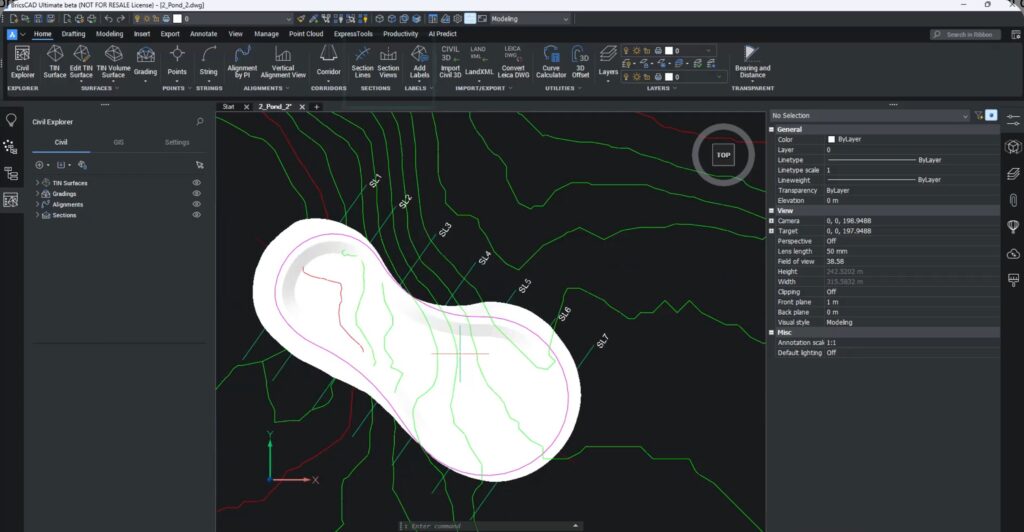

In this blog, we will see how to create civil sections and section views in BricsCAD. BricsCAD V26 introduces several new enhancements in the Civil tools portfolio and this has made such an impact that we are now probably within… Read More
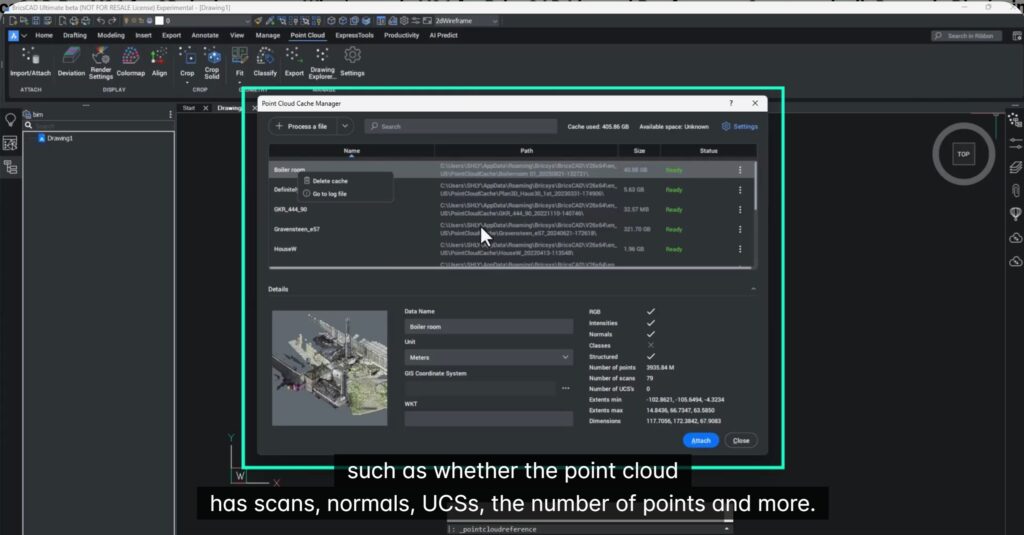
In this blog let us see what BricsCAD Pro offers for the point cloud data management workflow. Point clouds can either be incredibly powerful… or incredibly painful. With BricsCAD V26.1, the Bricsys team has made some thoughtful, workflow-driven improvements that make… Read More
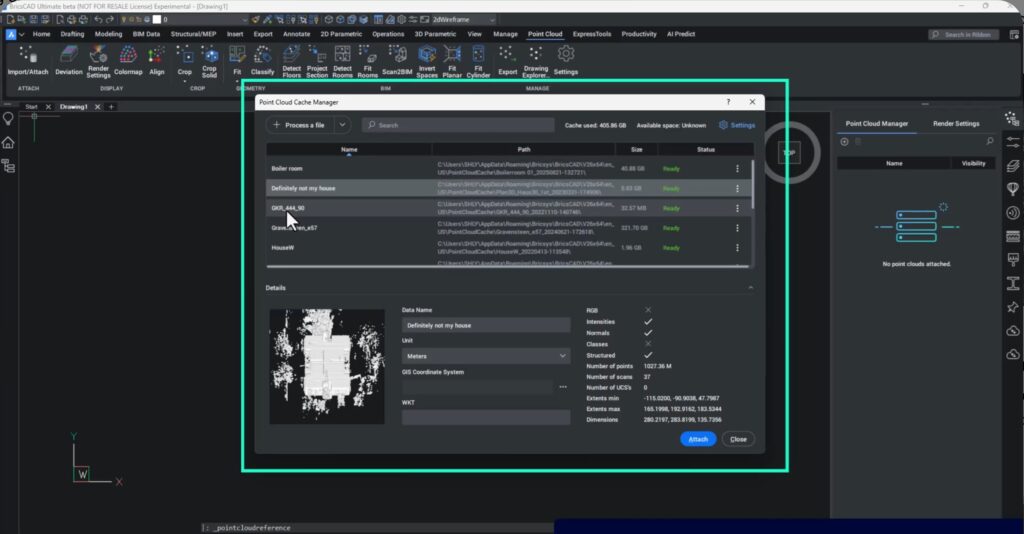
What’s New in BricsCAD V26: — Point Cloud Workflows for Building Projects BricsCAD V26 delivers major functionality upgrades in Point Cloud tools, especially for building-focused and Scan-to-BIM workflows. From improved pre-processing to better tracing, faster LGSX handling, and production-ready Scan-to-BIM,… Read More
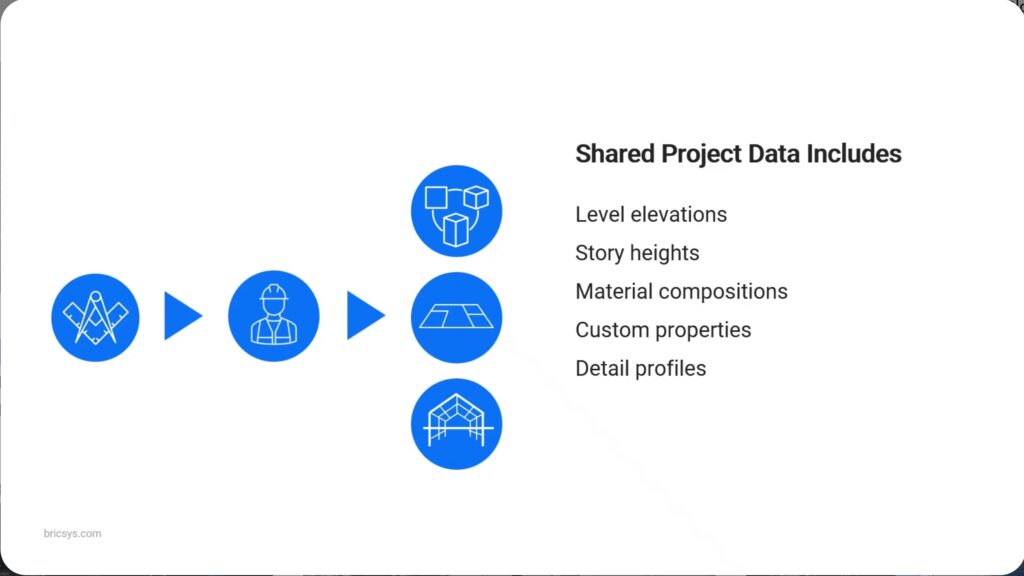
In this blog, we will talk about how to set up BricsCAD for AEC project scalability. Modern construction and manufacturing projects are no longer linear. Subcontractors juggle multiple projects simultaneously, while within a single project, design, fabrication, and site coordination… Read More
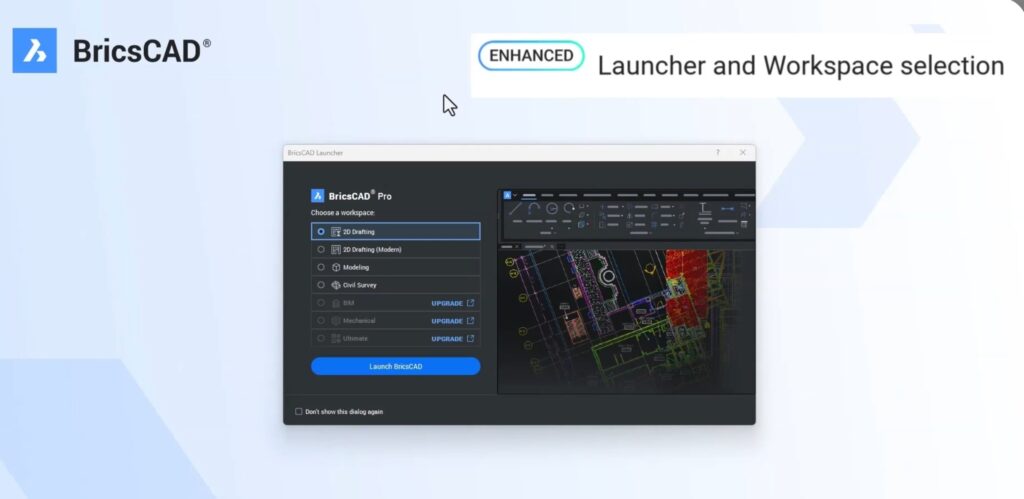
In this blog, let’s talk about what’s new in V26 for BricsCAD Lite and Pro for 2D drafting. BricsCAD V26.1 brings a powerful set of refinements and productivity upgrades for 2D drafting users, especially for those working with Lite and… Read More
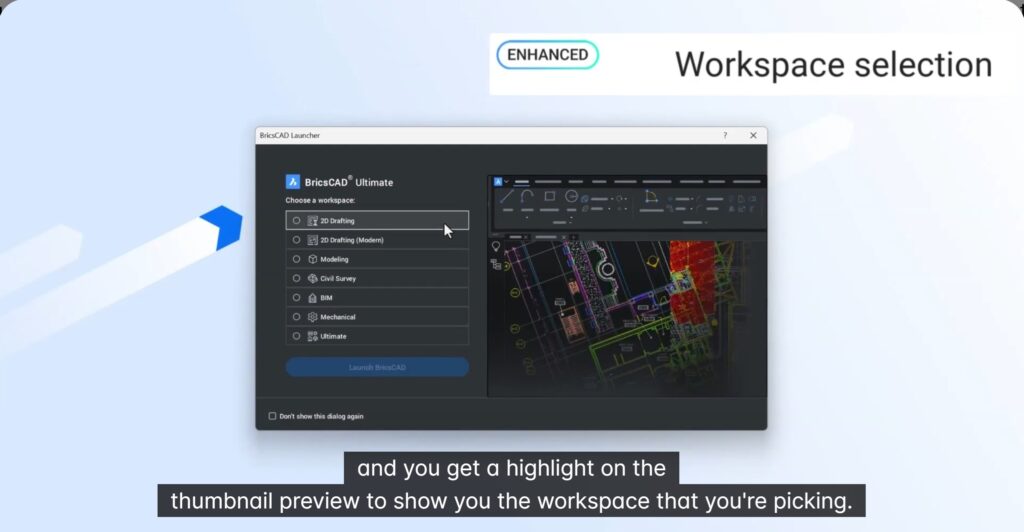
What’s new in BricsCAD Pro V26 for 3D design verification. Design verification in 3D is no longer about just “looking good” — it’s about safety, constructability, and cost control. The video shows a real-world scenario from a specialist scaffolding contractor… Read More
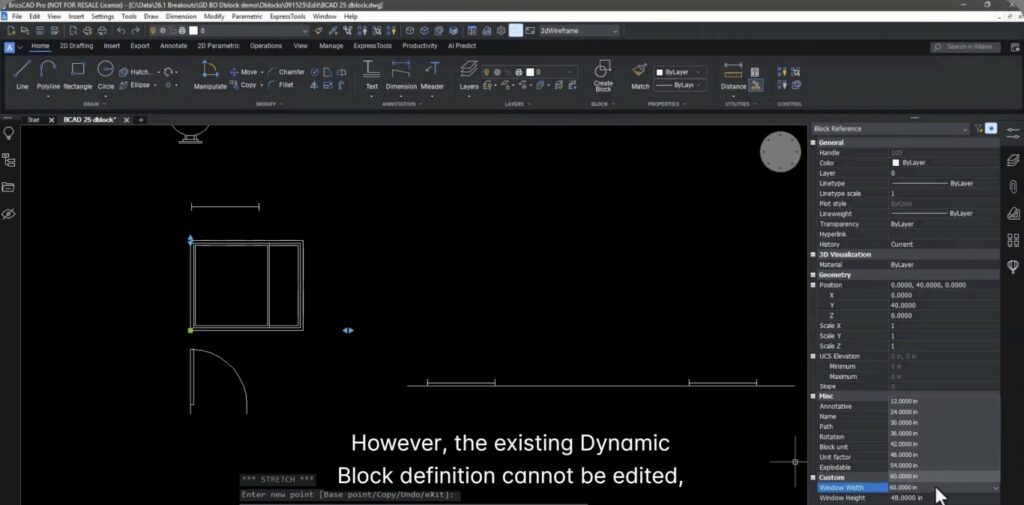
In BricsCAD V26 we can create and edit Dynamic Blocks. BricsCAD® V26 introduces an important milestone for advanced 2D drafting: the ability to create and edit dynamic blocks directly inside BricsCAD (currently available in all countries except the United States).… Read More
Diese Woche zeigen wir Ihnen, wie Sie den Befehl CP_REPBLK verwenden können, um Ihre Blöcke mit einer neuen Definition zu aktualisieren und dabei die bearbeiteten (verschobenen) Attributpositionen beizubehalten. Warum verschieben sich Attributpositionen? Blöcke mit Attributen sind weit verbreitet. Allerdings müssen… Read More
This week, we tell you how you can use the CP_REPBLK command to update your blocks with a new definition while retaining the same edited (moved) positions for the attributes. Why do attribute positions move? Blocks with attributes are common.… Read More
Nach Tests von GeoTools–CADPower in Kombination mit MorphCAD wurde ein Konflikt festgestellt, der beim Starten unter demselben BricsCAD-Profil eine Fehlermeldung verursacht. Um dieses Problem zu beheben, wird derzeit empfohlen, GeoTools–CADPower und MorphCAD in getrennten BricsCAD-Profilen auszuführen.So können beide Anwendungen unabhängig… Read More