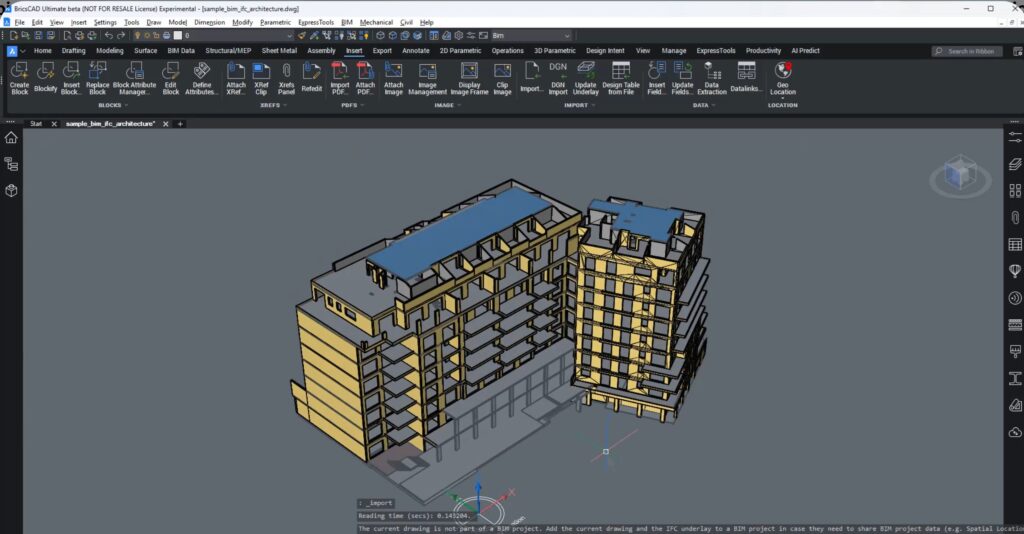
In this blog, we will learn about new data coordination in BricsCAD with IFC imports as XRefs.
Open data is only valuable when it is usable, trustworthy, and easy to coordinate. In this breakout session, BricsCAD introduces a major improvement for subcontractors and trade specialists: IFC files imported as external references (Xrefs) in BricsCAD v26.1.
This new workflow is designed to help teams digest BIM data faster, coordinate more effectively, and deliver clean, focused drawings—without getting buried in unnecessary model complexity.
Why Open Data Matters for Subcontractors
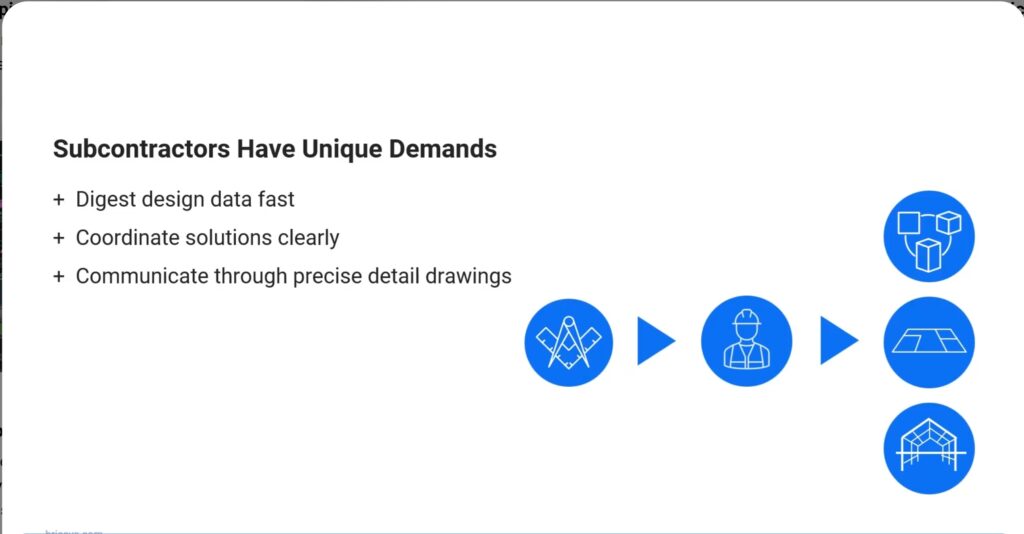
Subcontractors interact with BIM data very differently from design teams. The priority is not authoring the model, but:
- understanding spatial context quickly,
- coordinating trade-specific solutions, and
- communicating them clearly through drawings.
BricsCAD addresses this need by allowing users to reference BIM data without clutter, act on what matters, and move on—saving time and reducing coordination errors.
Improved IFC Import and Classification
Earlier versions of BricsCAD already allowed IFC imports with filtering options. In v26.1, this goes a step further:
- Import filters now align more closely with IFC 4 and IFC 4×3 class definitions
- The same class hierarchy is used for BIM Classify
- Imported elements appear cleanly in the Structure Browser
- Geometry can be manipulated as native objects when required
This alignment makes classification simpler, more consistent, and predictable across projects.
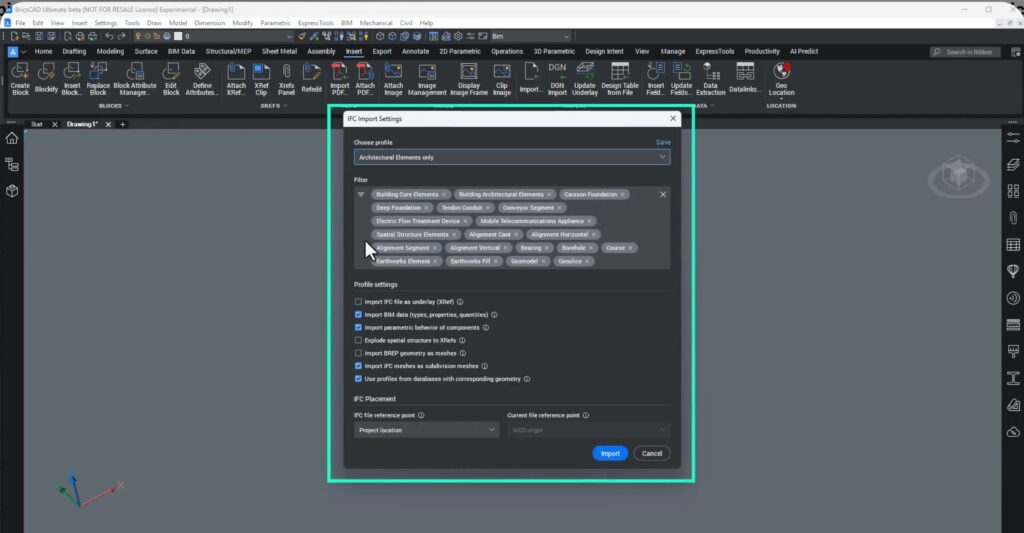
IFC as an External Reference (XRef): A Game Changer
In real projects, subcontractors often don’t need to edit design geometry—they only need to reference it reliably.
BricsCAD v26.1 introduces IFC as XRef, bringing familiar DWG-based referencing workflows into BIM coordination.
When importing an IFC:
- Enable Import IFC file as an underlay
- BricsCAD places the IFC in an Underlays folder
- A background DWG is generated automatically
- The IFC is attached as an external reference
You can also define how reference points align—using global origin, project location, or site location—mapped to WCS, survey, project, or site coordinates.
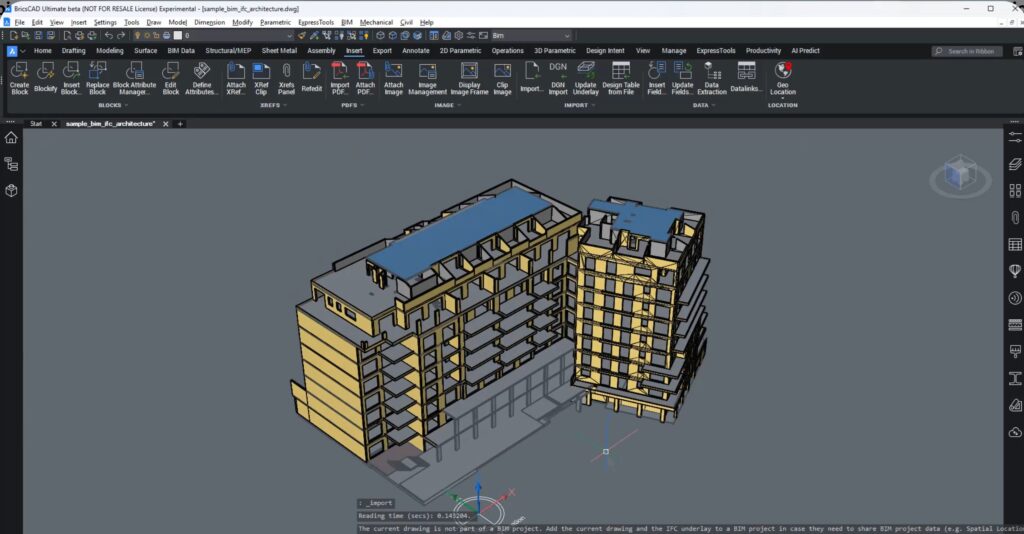
Work on Your Deliverables—Without BIM Noise
Once attached:
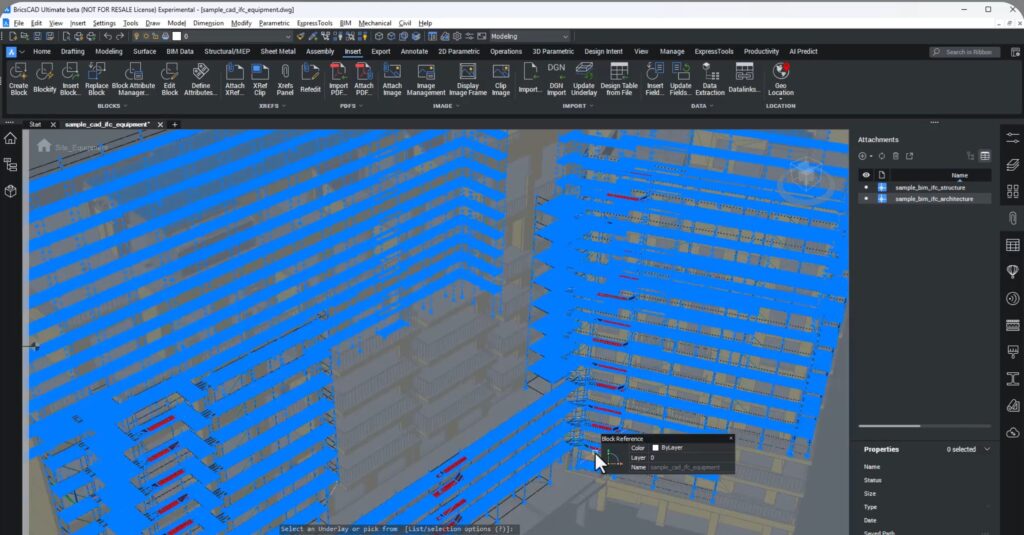
- Toggle IFC visibility in the Attachments panel
- Browse the structure without modifying source data
- Focus entirely on your trade-specific drawings
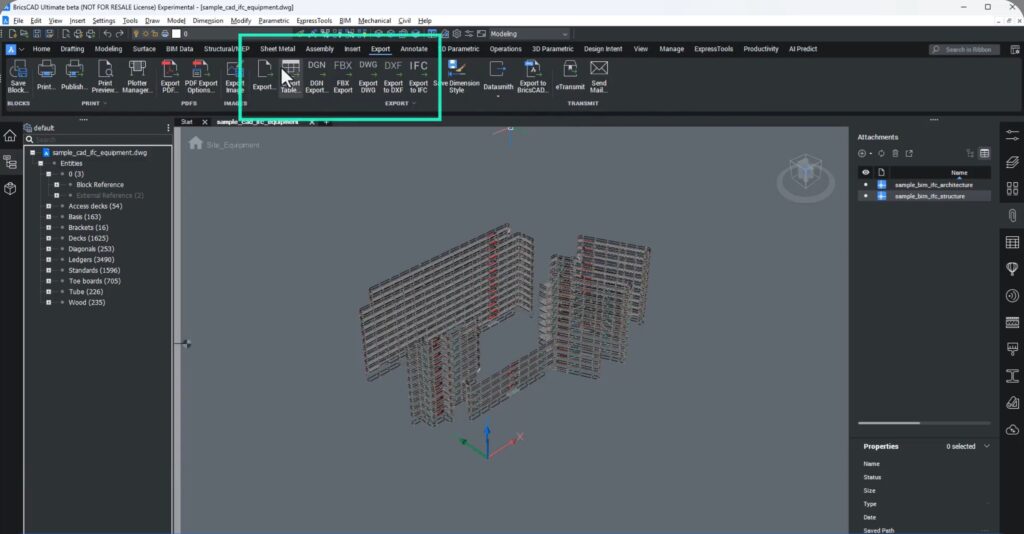
When exporting:
- Only your deliverables are included
- Reference data is excluded
- Collaborators receive clean, usable models
This ensures precise communication without exposing unnecessary data.
Easy Updates for Ongoing Coordination
Real-world projects evolve constantly. Updated IFCs arrive regularly, and BricsCAD v26.1 makes updates painless.
Recommended workflow:
- Organize IFC updates logically (ideally in a CDE like Bricsys 24/7)
- Replace the updated IFC file
- Run BIMUPDATEUNDERLAY
BricsCAD automatically:
- updates the background DWG,
- refreshes the XRef, and
- updates model space—no reimport or realignment required.
Built for Real Project Scenarios
This workflow is purpose-built for subcontractors who need to:
- reference design data without modifying it,
- keep deliverables focused and accurate,
- respond quickly to design changes, and
- reduce coordination mistakes.
The result is smoother collaboration, cleaner exports, and dependable data flow across the project lifecycle.
Key Takeaways
- IFC import filters now align with IFC 4 & IFC 4×3
- Consistent classification using BIM Classify
- Import IFCs as external references (XRefs)
- Export only your trade data—clean and focused
- Update references effortlessly using BIMUPDATEUNDERLAY
Try It Today
BricsCAD v26.1 delivers practical open-data workflows that help subcontractors stay coordinated, efficient, and in control.
Scan the QR code or download BricsCAD v26.1 to experience IFC-based coordination done right.
This is one of those features that quietly saves hours every week. IFC as XRef is exactly how BIM should behave for subcontractors—reference-heavy, update-friendly, and zero drama. Very strong material for AEC, MEP, and fabrication audiences.