What’s new in BricsCAD Pro V26 for 3D design verification. Design verification in 3D is no longer about just “looking good” — it’s about safety, constructability, and cost control.
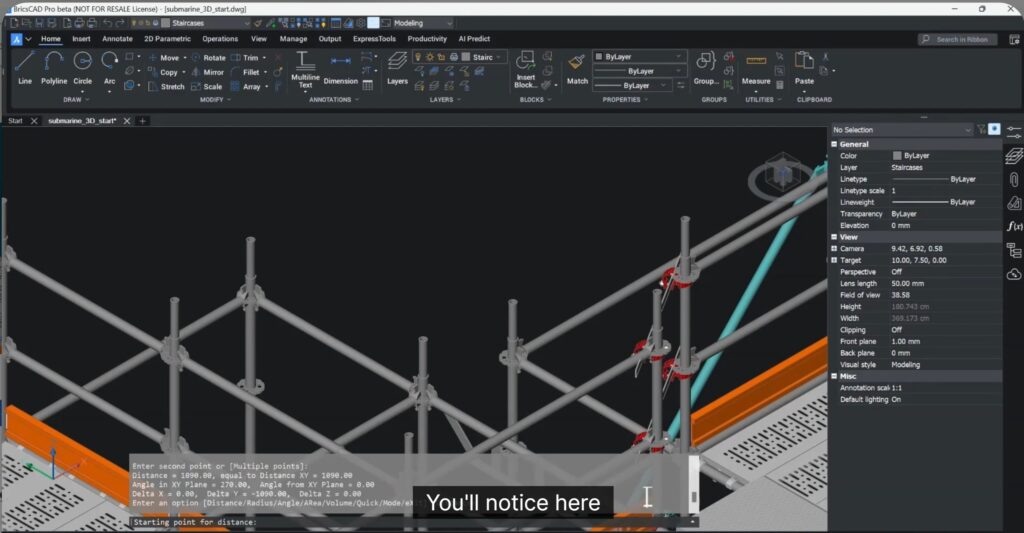
The video shows a real-world scenario from a specialist scaffolding contractor tasked with designing a complex platform around a submarine in dry dock.
Using imported data from multiple sources, BricsCAD V26 demonstrates how engineers can identify design risks early, optimize geometry quickly, and ensure installations remain safe, accurate, and budget-friendly.
Real-World Use Case: Complex Scaffolding Around a Submarine
The dataset used in this session comes from a live industrial scenario involving:
- Imported third-party files
- Strict safety and compliance requirements
- Tight production and installation constraints
BricsCAD Pro V26 enables teams to visualize issues in 3D, verify clearances, resolve interferences, and confidently prepare designs for construction.
Twelve enhanced features in V26 for Design Verification
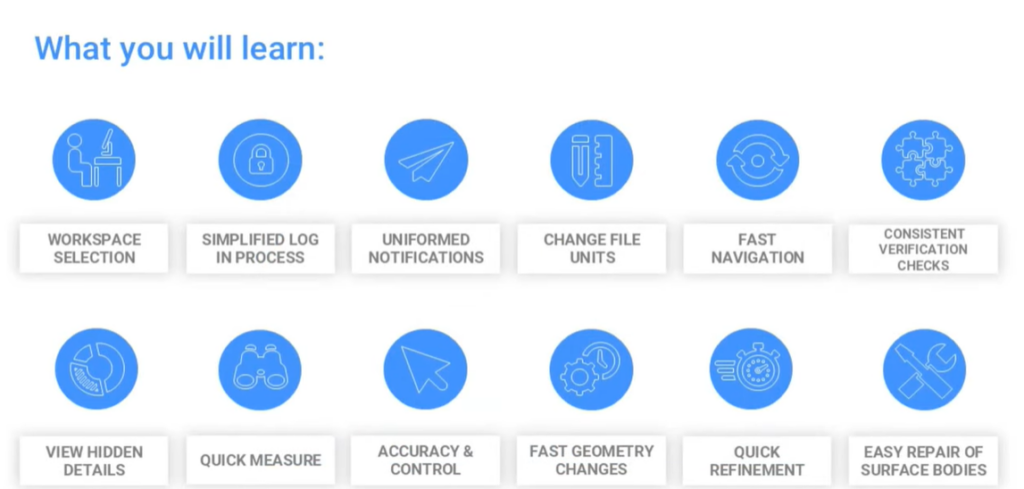
Notice that BricsCAD V26 is now not just for design and drafting but a great data verification tool also. The top 12 data query and discovery tools have a much higher usability value than before. Check this out!
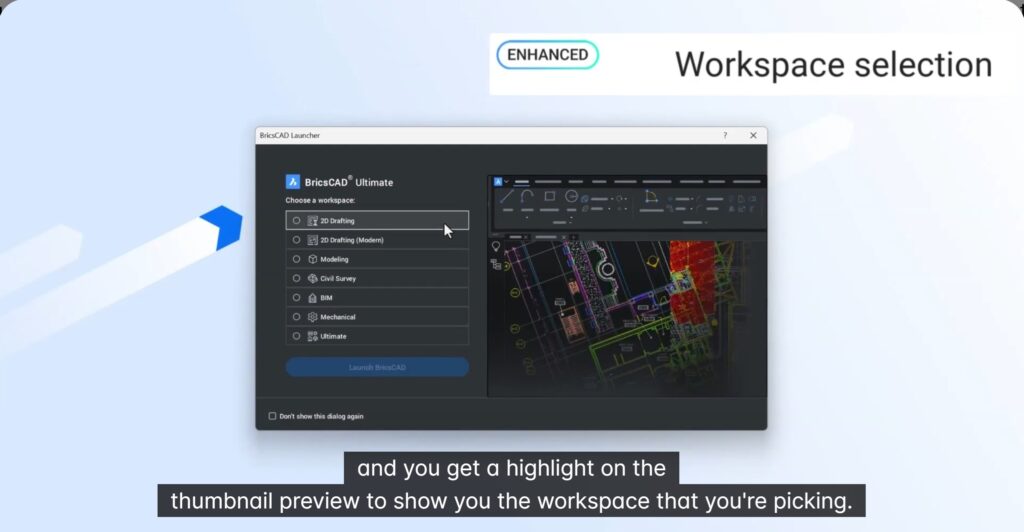
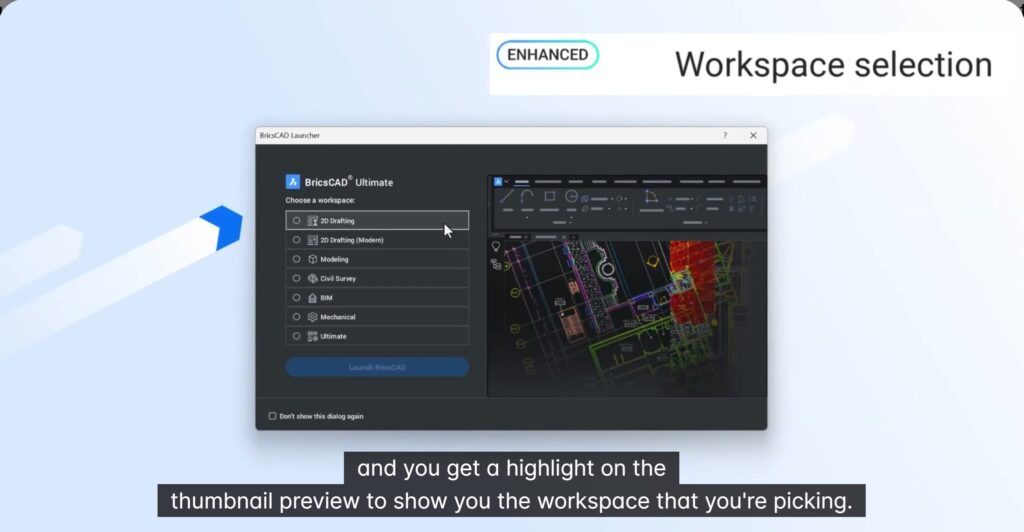
Smarter Workspace Selection & Unified Login
BricsCAD V26 introduces an improved workspace selection dialog:
- Workspaces are filtered by license type
- Visual thumbnail previews make selection intuitive
- Clear highlight of the active workspace
A single unified login now gives direct access to:
- License details
- Service requests
- Account management
Embedded Document Handling & Clear Notifications
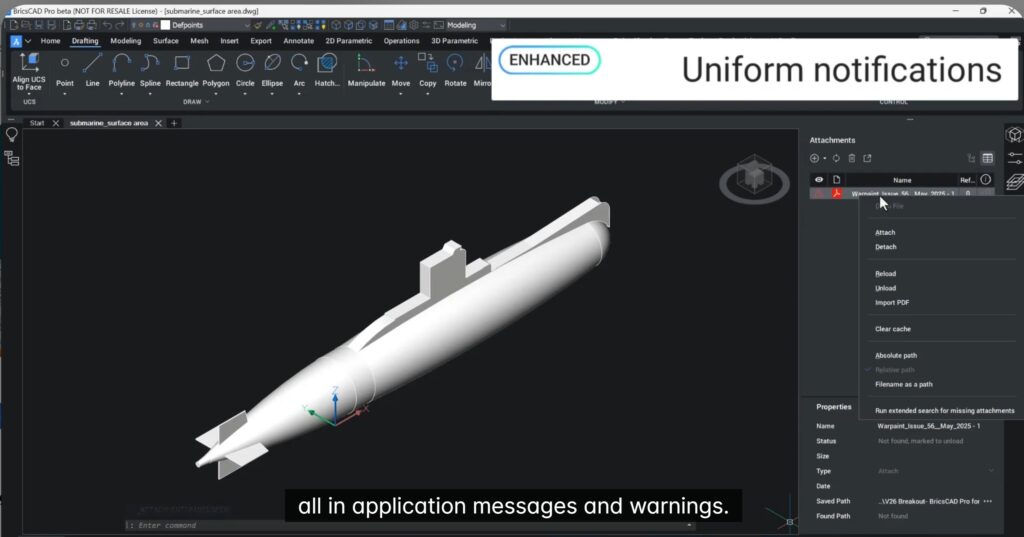
Design data often includes external documents such as specifications and PDFs.
BricsCAD V26 improves:
- Embedded PDF viewing directly inside DWG files
- Clear, unified notification messages for missing or broken file links
- Easy reattachment of documents when paths change
This ensures critical compliance documents stay connected to the design.
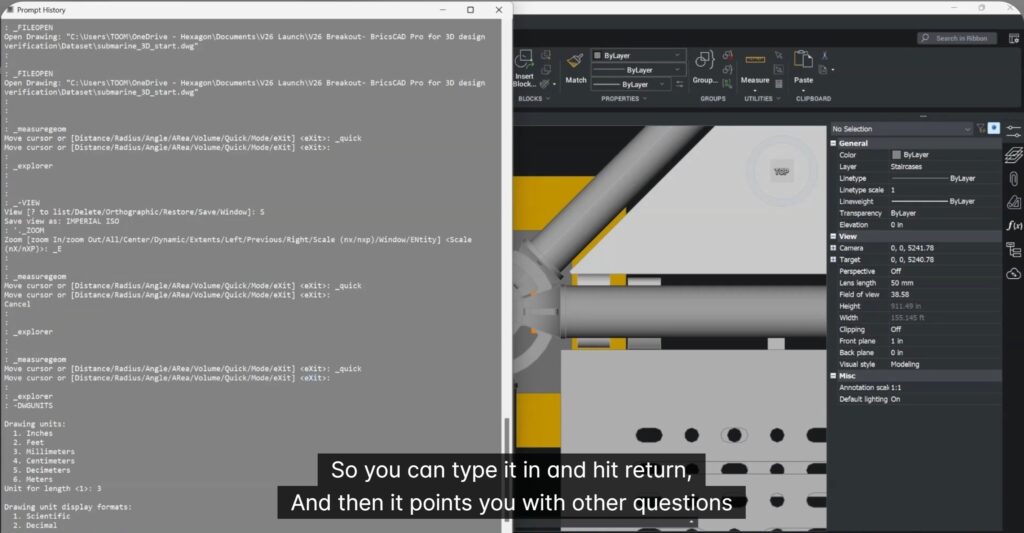
Seamless Unit Conversion with DWGUNITS Command
The DWGUNITS command is now available on the command line, just like in other CAD systems. This makes it straightforward now to work with different systems of units or to handle mixed units drawings.
BricsCAD V26 now allows:
- Full unit conversion directly from the command line using DWGUNITS
- Control over precision, display format, and scaling behavior
- Automatic updating of model space and paper space
This makes cross-border collaboration frictionless.
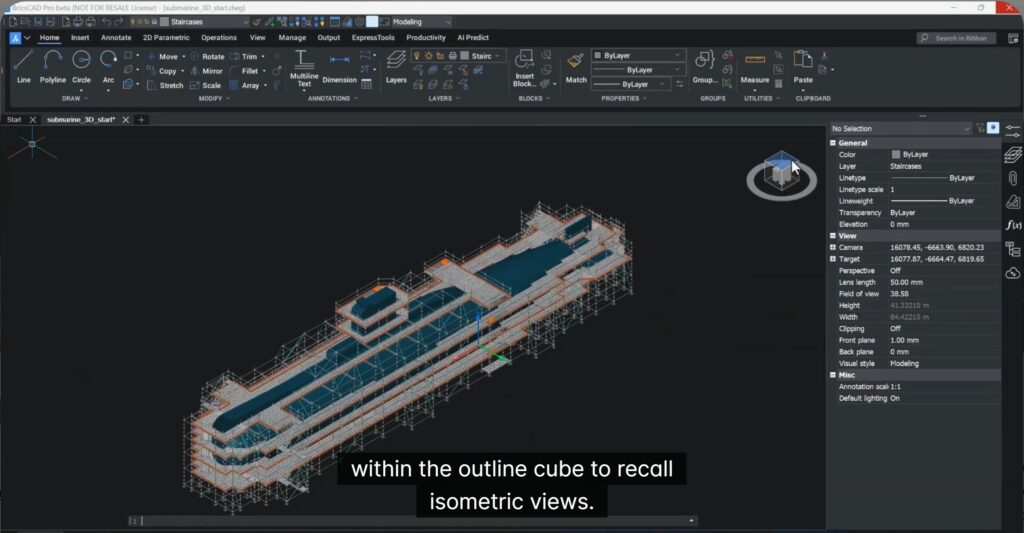
Improved 3D Navigation with Enhanced Look-From Tool
The updated 3D Look-From interface provides:
- Faster access to predefined views
- Easy recall of isometric orientations
- Greater control when interrogating complex assemblies
Perfect for understanding dense 3D frameworks like scaffolding structures.
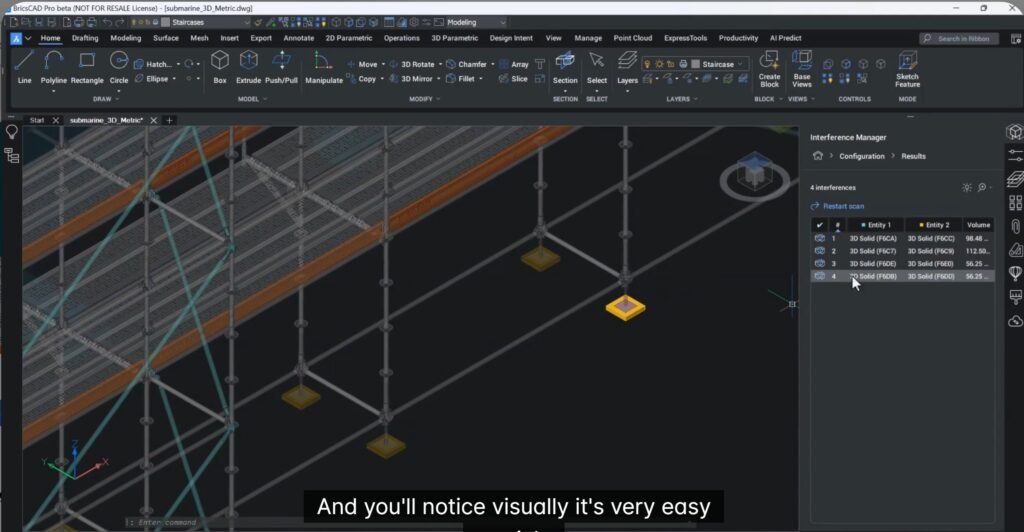
Advanced Interference Detection with Rule-Based Filters
The upgraded Interference Manager helps detect clashes early by:
- Filtering components using layer and property rules
- Saving reusable filters for consistent verification
- Calculating and visualizing interfering volumes
This ensures issues are resolved before they reach site, not after.
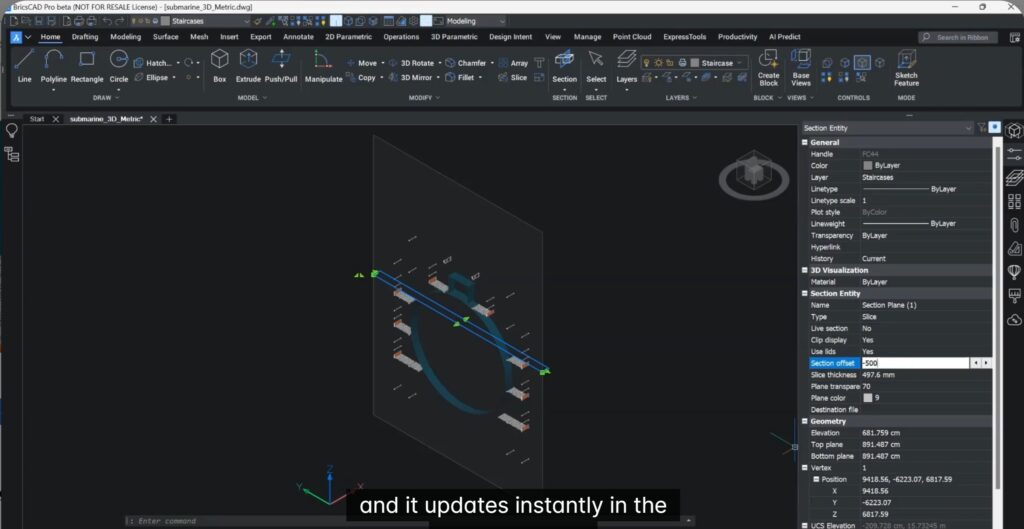
New “Slice” Section Type for Deep Design Inspection
The new Slice section type allows:
- Viewing intricate details within a defined 3D boundary
- Adjustable section thickness and offset
- Instant visual updates using grips
This makes identifying hidden issues inside dense assemblies remarkably simple.
Faster Measurements with Geometry Measure Command
BricsCAD V26 introduces Geometry Measure:
- Quick measurements for both 2D and 3D geometry
- Displays X, Y, and Z values
- Measurements can be copied directly from the command line
Ideal for rapid verification and documentation.
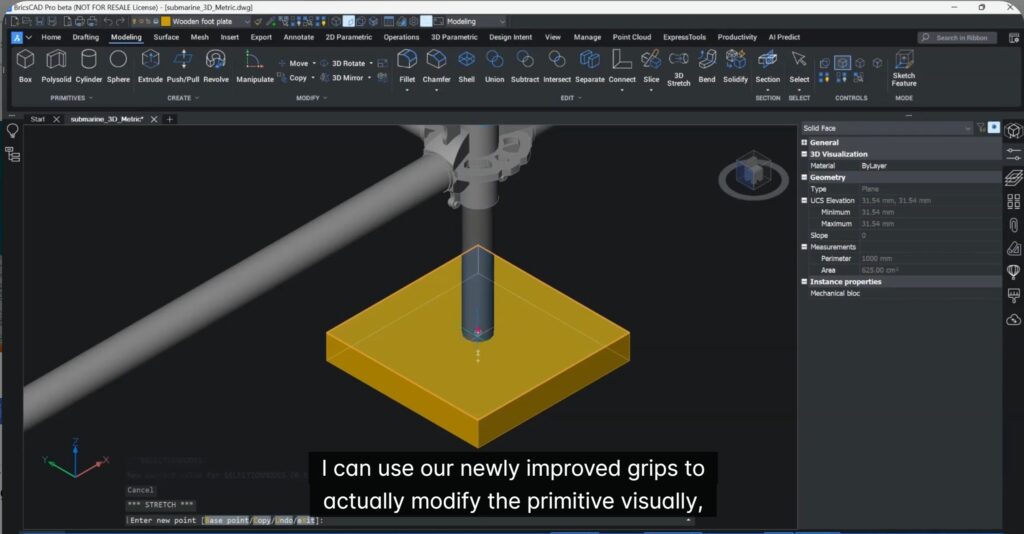
Rapid 3D Editing Directly from Properties
Editing 3D solids is now faster than ever:
- Modify length, width, and height directly from the Properties panel
- Use improved grips to adjust faces visually
- No need to rebuild geometry from scratch
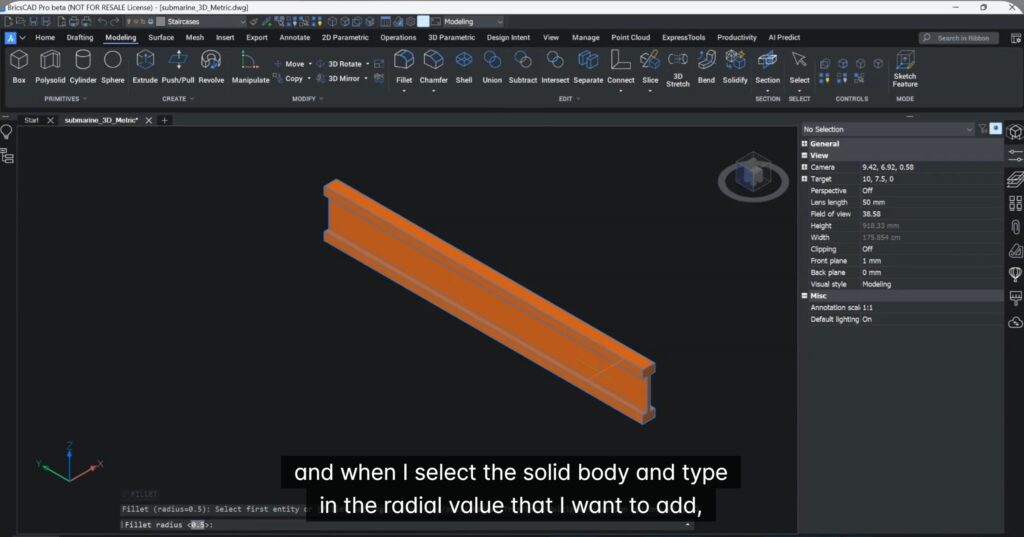
Unique to BricsCAD: Solid Fillet for Safer Designs
BricsCAD V26 introduces FILLET > Solid, allowing:
- One-step deburring of all edges on a solid body
- Improved safety for fabricated components
- Cleaner geometry with minimal effort
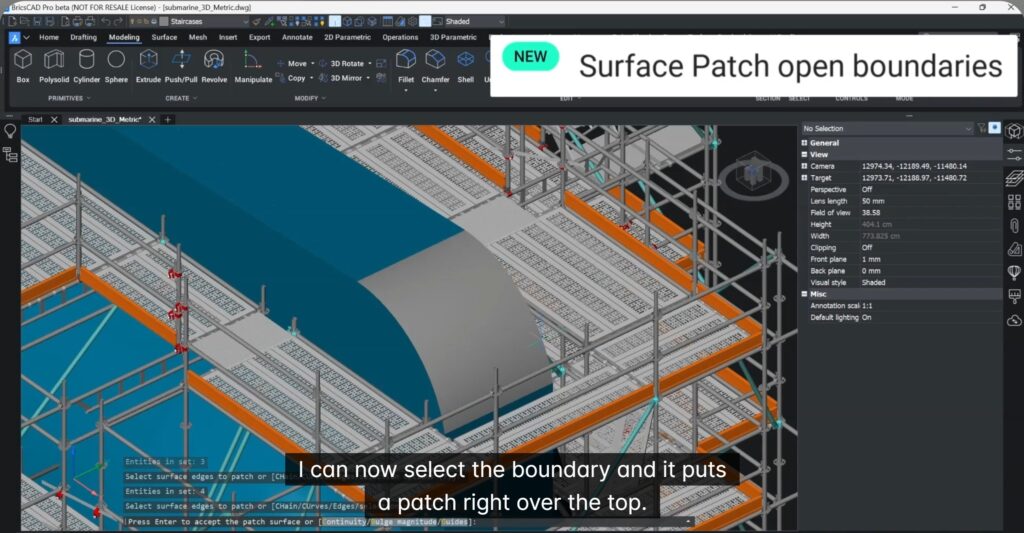
Closing Gaps with Surface Patch
The new Surface Patch command:
- Closes open faces in mesh bodies
- Repairs incomplete imported geometry
- Creates clean, production-ready models
Key Takeaways
With BricsCAD Pro V26, teams can:
- Confidently work with imported and mixed-source data
- Detect and resolve design issues early
- Make fast, precise edits without workflow disruption
- Move from design to production with greater certainty
The video shows why BricsCAD is not just “DWG-compatible” but workflow-smart. The emphasis on verification, editing speed, and real-world constructability is exactly what production teams care about — and something many CAD tools talk about, but don’t execute this cleanly.
Download BricsCAD V26 to know more.